Some bank transactions correspond to journal entries — matching them keeps your records consistent.
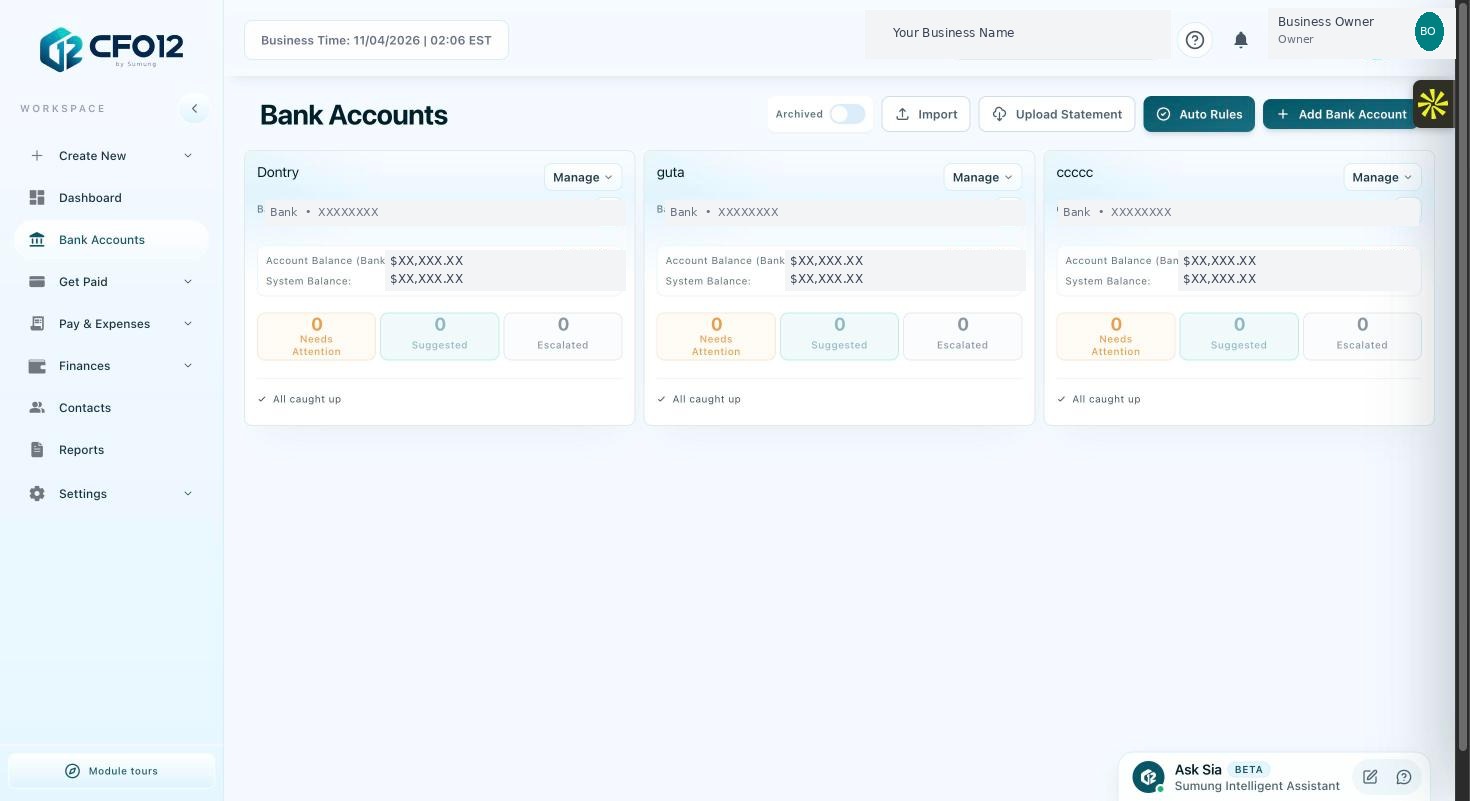
What You Can Do
- Open the bank account and find the transaction.
- Click the match option.
- Search for the corresponding journal entry.
- Confirm the match.
- The transaction is marked as reconciled against the journal entry.
💡 Use this for transactions like bank fees or interest that are typically recorded as journal entries.
Related Articles
- How to Create a New Journal Entry
- How to Categorise a Bank Transaction
- How to Reconcile Bank Transactions
Was this article helpful?
Your feedback helps us improve our documentation.