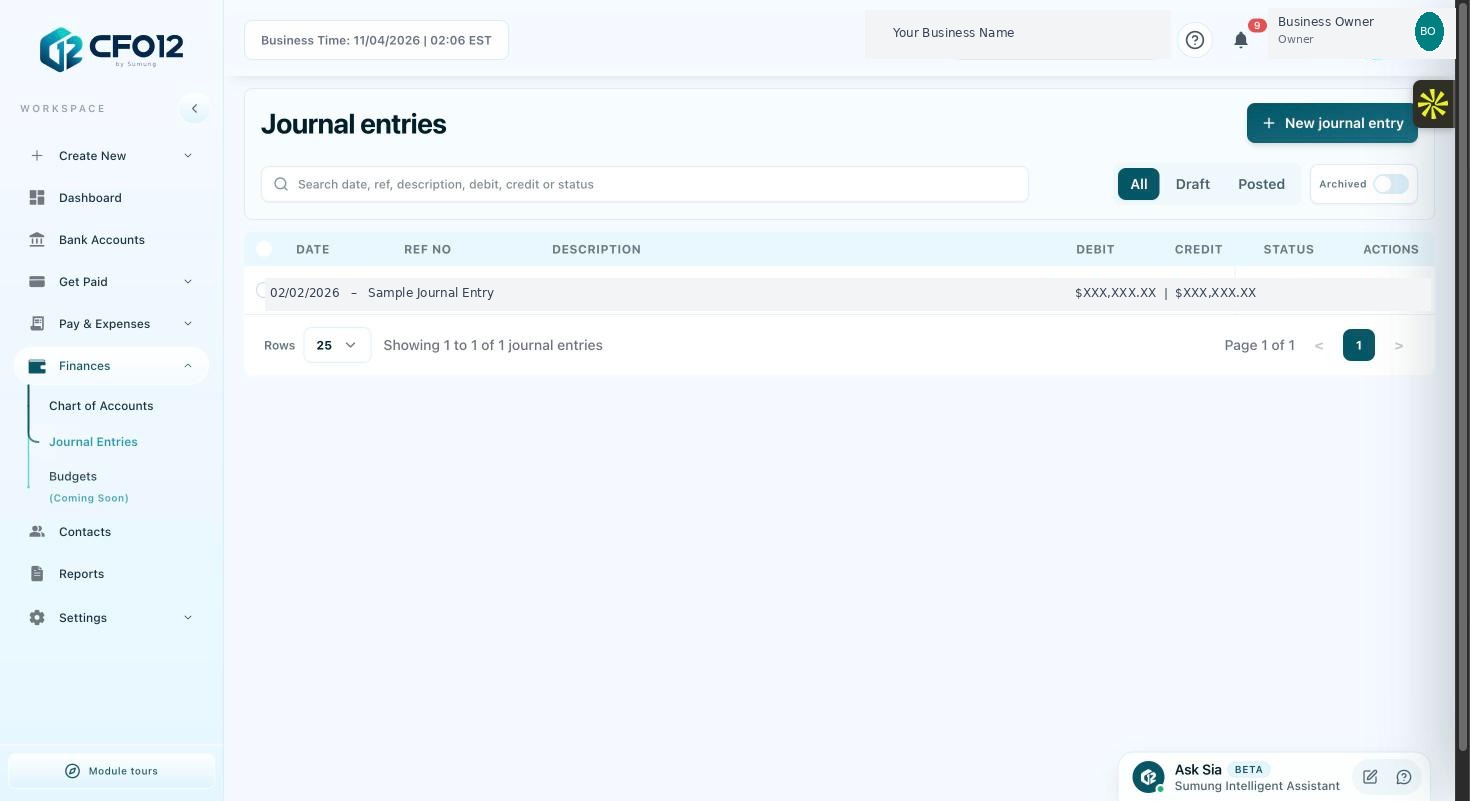
Saving a journal entry as a draft lets you complete it later before posting it to your books.
What You Can Do
- Open or create a journal entry.
- Enter the available information.
- Click Save as Draft (or the equivalent draft save button).
- The entry is saved with a Draft status and appears in the Draft tab.
- Return to it later to complete and post.
💡 Draft journal entries do not affect your financial reports until they are posted.
Related Articles
Was this article helpful?
Your feedback helps us improve our documentation.