Edit a draft journal entry before posting to correct mistakes or add missing information.
What You Can Do
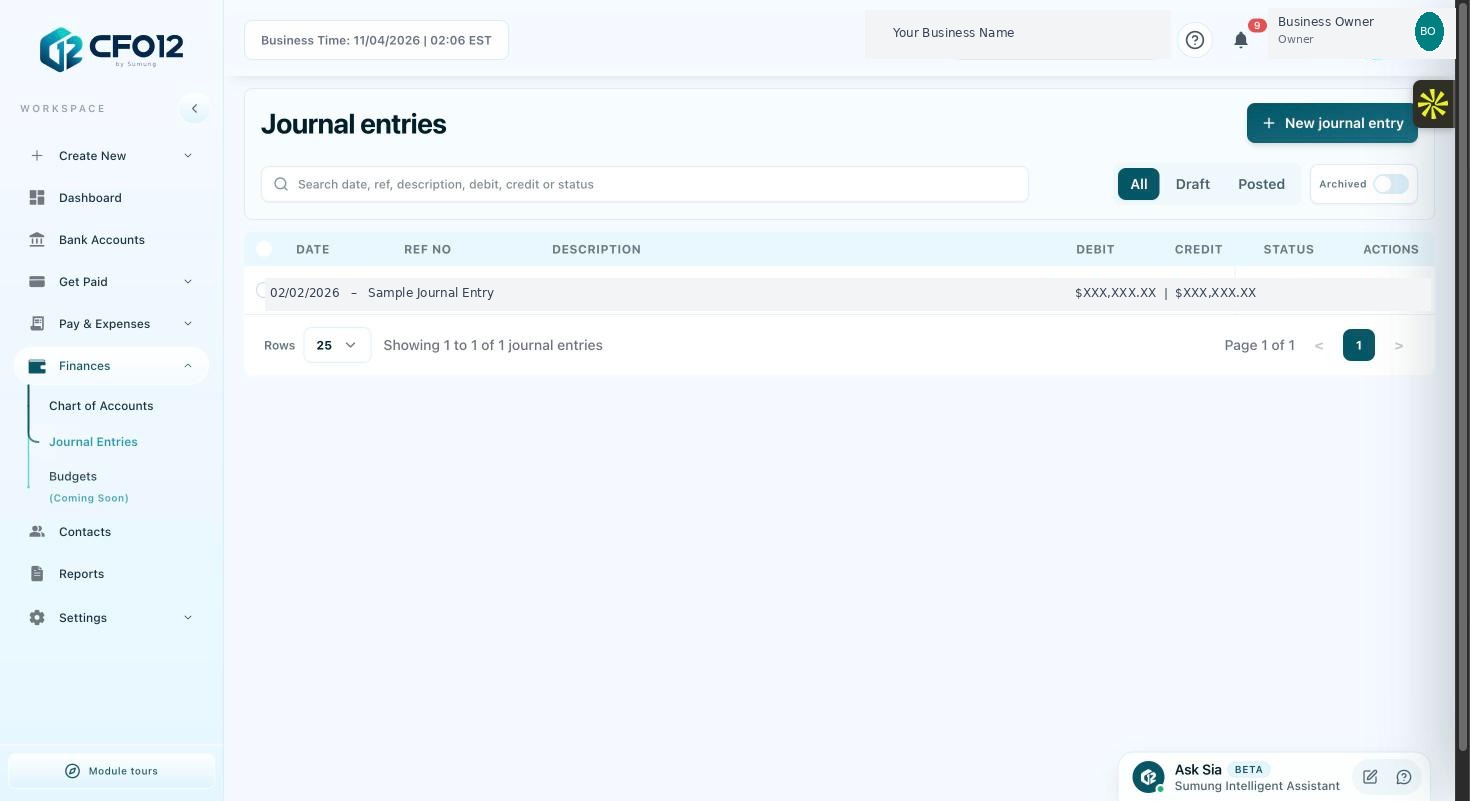
- Go to Finances > Journal Entries and click the Draft tab.
- Click the entry you want to edit.
- Make changes to the date, Reference, Memo/Notes, or line items.
- Ensure debits still equal credits after editing.
- Save as Draft or Post the updated entry.
💡 Only draft entries can be edited. Contact your accountant or accounting manager to correct a posted entry.
Related Articles
Was this article helpful?
Your feedback helps us improve our documentation.