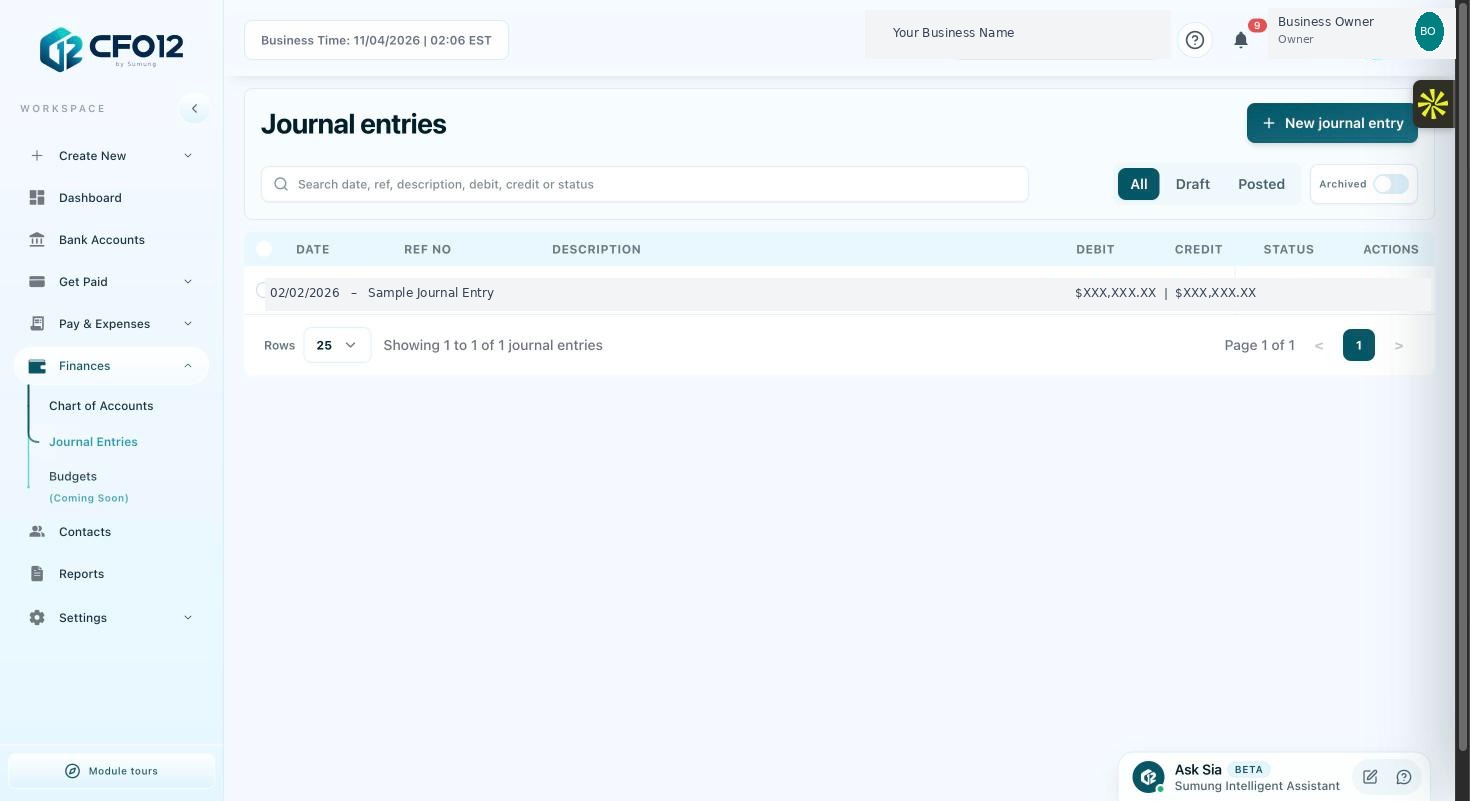
Create a journal entry in CFO12 to record accounting adjustments or transactions not covered by invoices or bills.
What You Can Do
- Go to Finances > Journal Entries.
- Click New journal entry.
- Set the entry date.
- Add a Reference number and Memo/Notes for reference.
- Add line items — each with an account and either a debit or credit amount.
- Ensure total debits equal total credits.
- Save as Draft or Post the entry.
💡 Use a clear Ref No and Description so you can find and understand this entry later.
Related Articles
Was this article helpful?
Your feedback helps us improve our documentation.