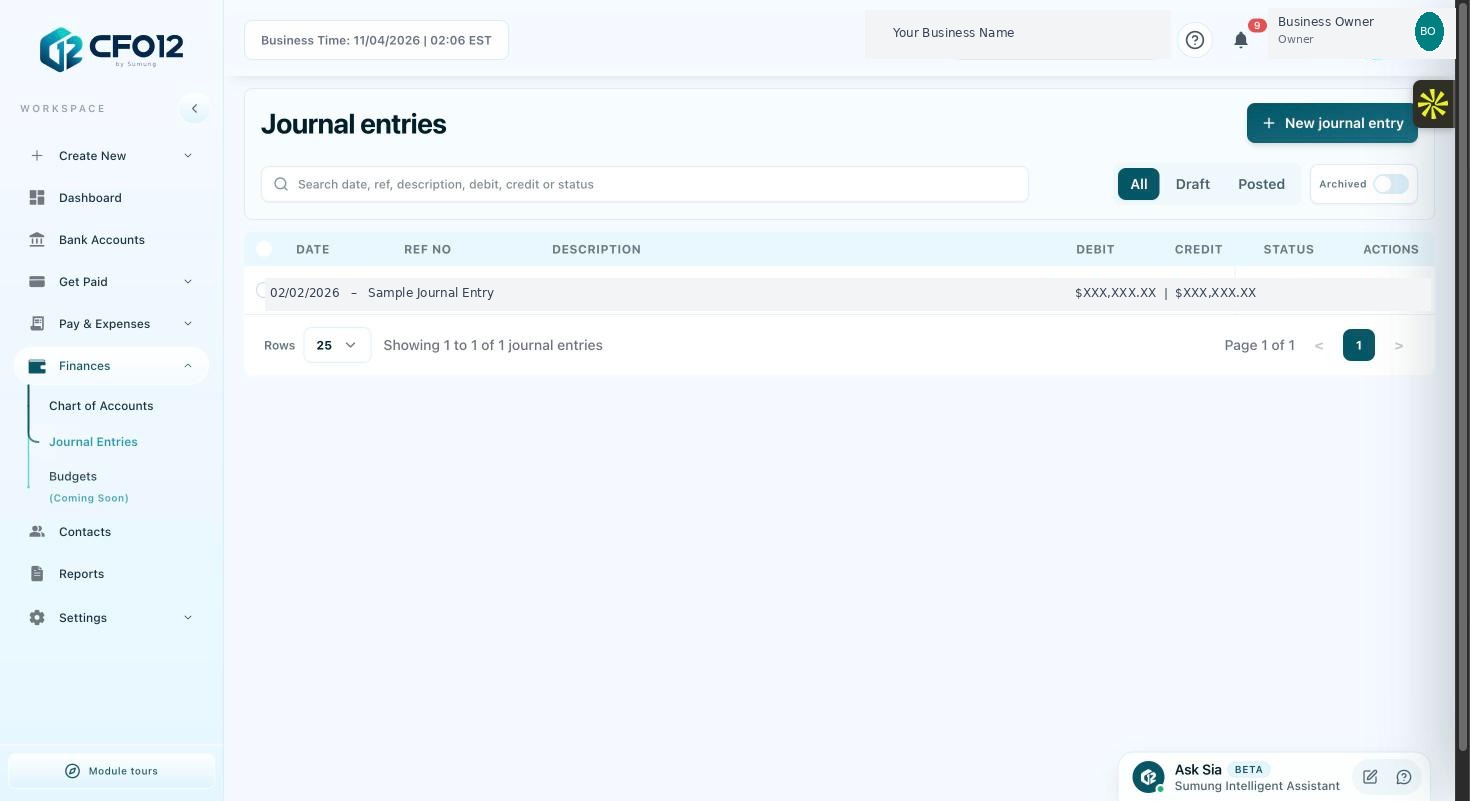
The Draft tab shows all journal entries saved but not yet posted.
What You Can Do
- Go to Finances > Journal Entries.
- Click the Draft tab.
- Browse the list of unposted entries.
- Click an entry to open, complete, and post it.
💡 Review draft entries regularly to ensure pending adjustments are posted before month-end close.
Related Articles
Was this article helpful?
Your feedback helps us improve our documentation.