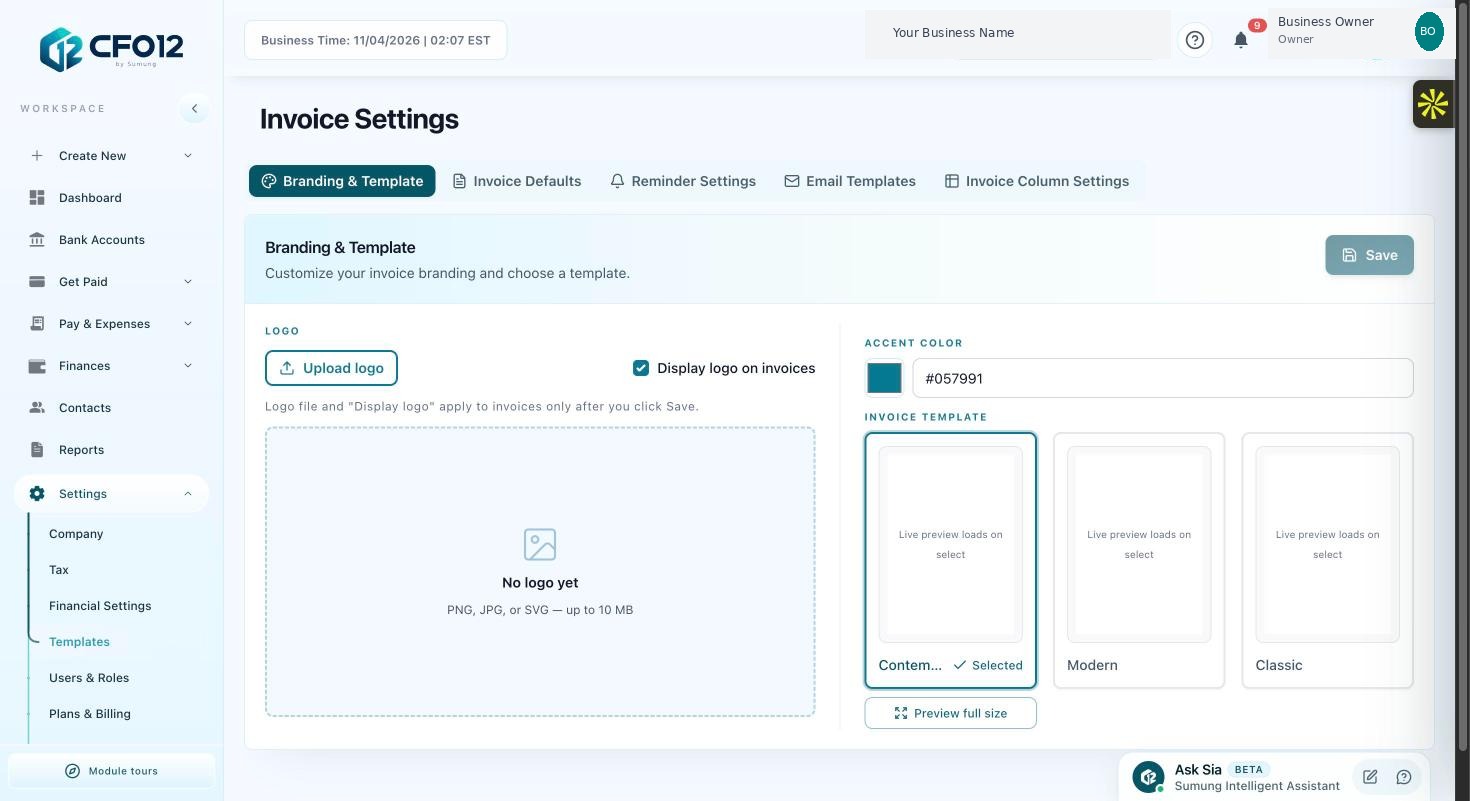
CFO12 provides invoice templates you can customise for your business documents.
What You Can Do
- Go to Settings > Templates.
- Review the available template options.
- Customise fields such as company details, payment terms, and footer text.
- Preview the template before saving.
- Applied templates affect all new invoices going forward.
💡 Templates save time by pre-filling recurring information on every invoice.
Related Articles
- How to Set Up Invoice Templates
- How to Update Company Information
- Overview of Settings
Was this article helpful?
Your feedback helps us improve our documentation.