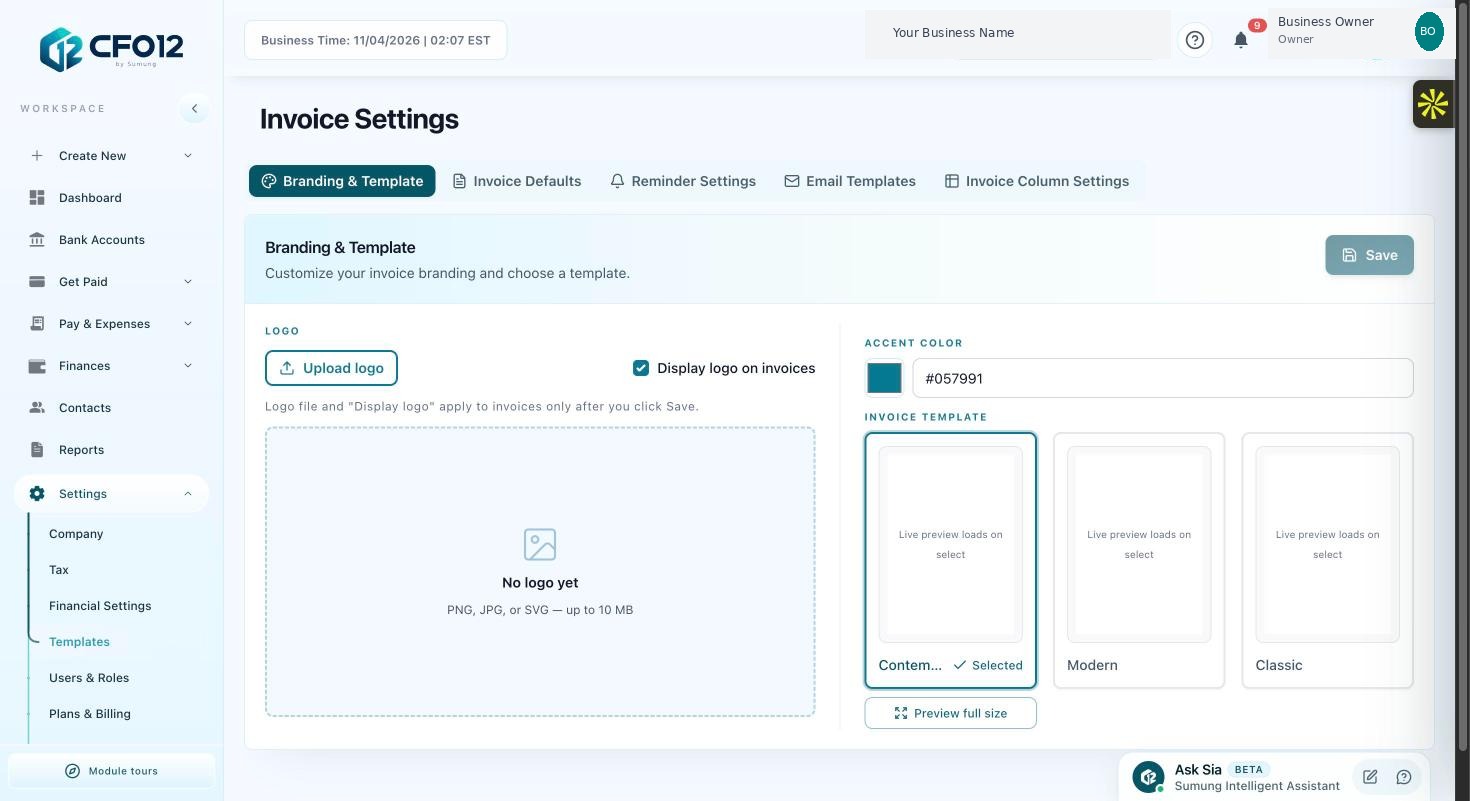
Customise your invoice template so invoices sent to customers reflect your brand.
What You Can Do
- Go to Settings > Templates.
- Review the default invoice template.
- Customise the layout, colours, and content fields.
- Save the template.
- New invoices use this template automatically.
💡 A branded invoice template looks professional and reinforces your business identity.
Related Articles
- How to Update Company Information
- How to Upload a Company Logo
- Overview of Settings
Was this article helpful?
Your feedback helps us improve our documentation.