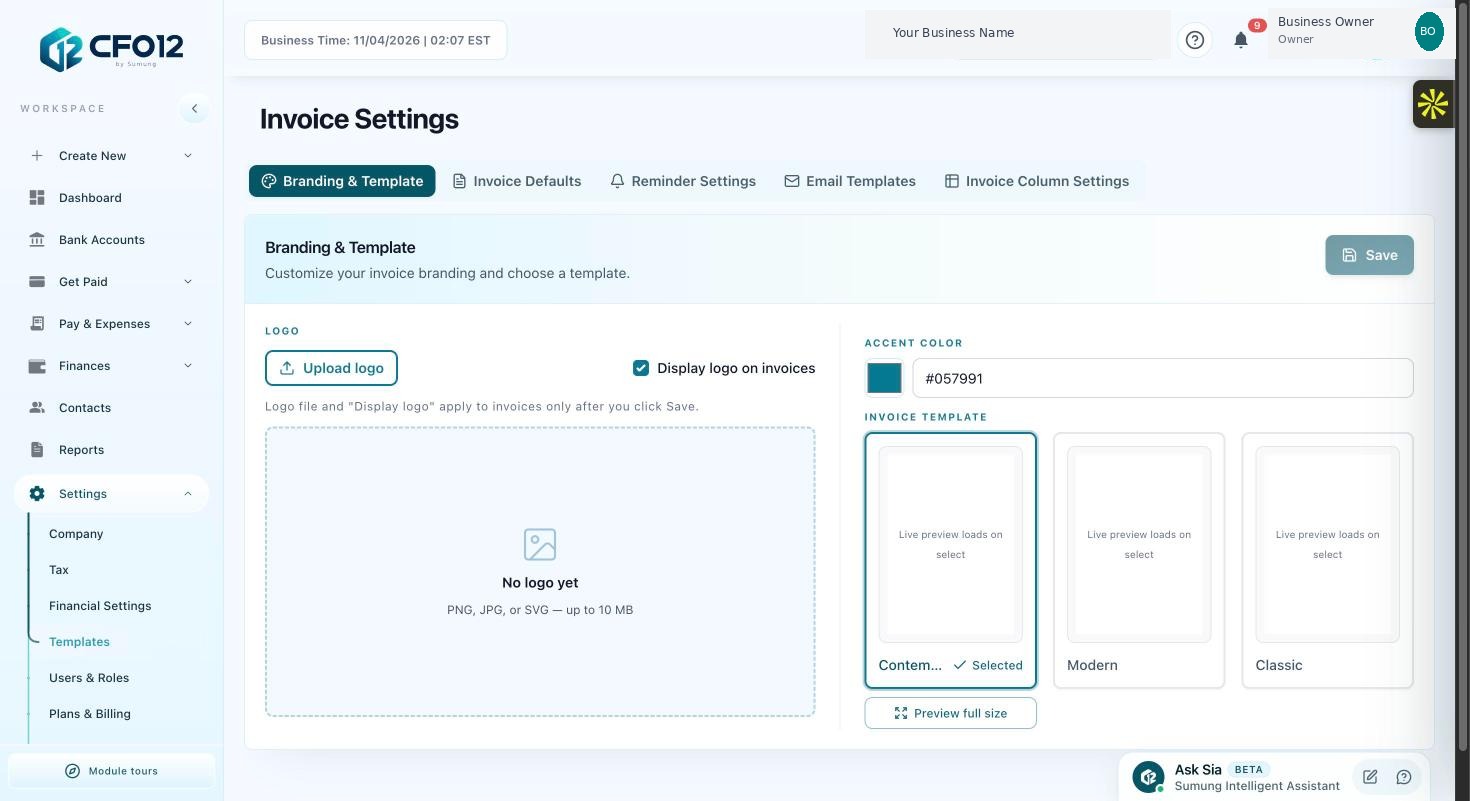
Personalise your invoice template with your branding, payment terms, and document notes.
What You Can Do
- Go to Settings > Templates.
- Open the invoice template.
- Update the fields you want to customise — logo placement, appearance settings, payment terms.
- Add any default notes or footer text.
- Preview and save.
💡 Invoice template customisation creates a consistent, professional look for all customer-facing documents.
Related Articles
Was this article helpful?
Your feedback helps us improve our documentation.