Opening a bill shows all its details, attachments, and payment history.
What You Can Do
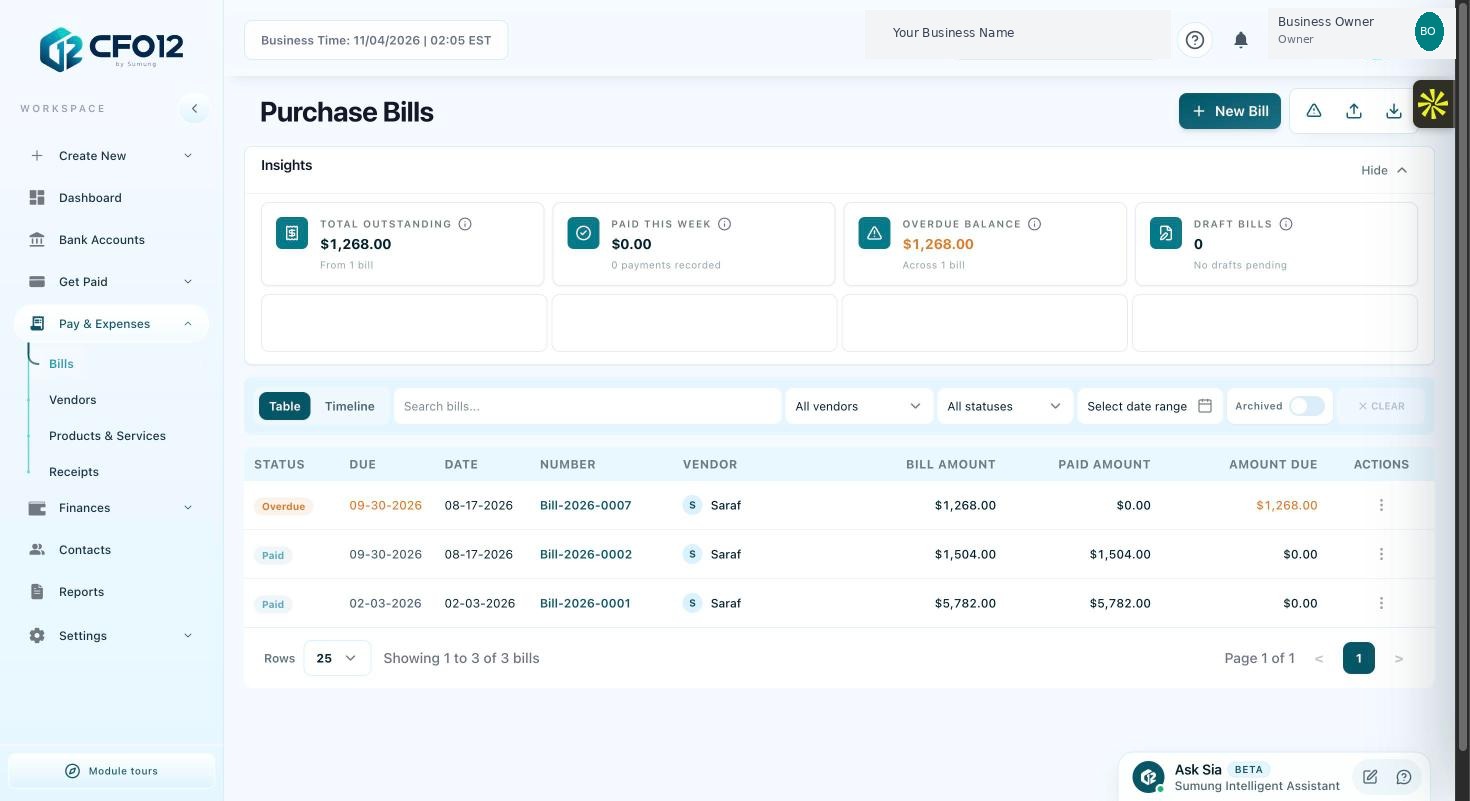
- Go to Pay & Expenses > Bills.
- Click on a bill in the list to open its detail page.
- The detail page shows the supplier, dates, line items, totals, notes, and attachments.
- Payment history is shown if any payments have been recorded.
💡 The bill detail page is where you record payments and view the full bill history.
Related Articles
Was this article helpful?
Your feedback helps us improve our documentation.