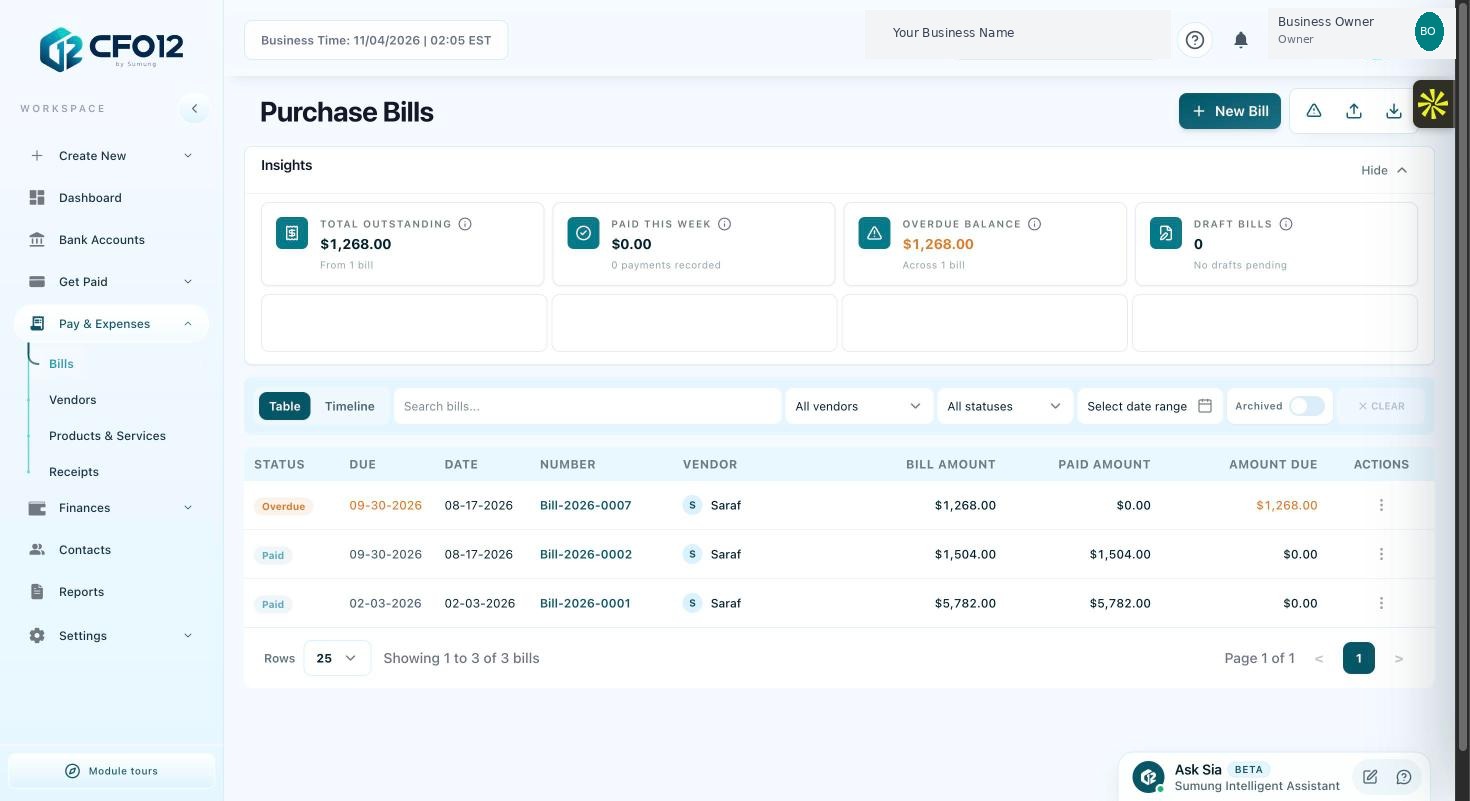
When you pay a vendor, record the payment on the bill to update its status.
What You Can Do
- Open the bill you have paid.
- Look for the payment recording option on the bill detail page.
- Enter the payment date and amount.
- Save the payment. The bill status updates to Paid if the full amount is covered.
- Partial payments update the remaining balance.
💡 Link payments to bank transactions during reconciliation to keep your books balanced.
Related Articles
- How to Save and Approve a Bill
- How to View the Aged Payables Report
- How to View Bank Account Transactions
Was this article helpful?
Your feedback helps us improve our documentation.