Archived vendors are hidden from the active list but their bill history is preserved.
What You Can Do
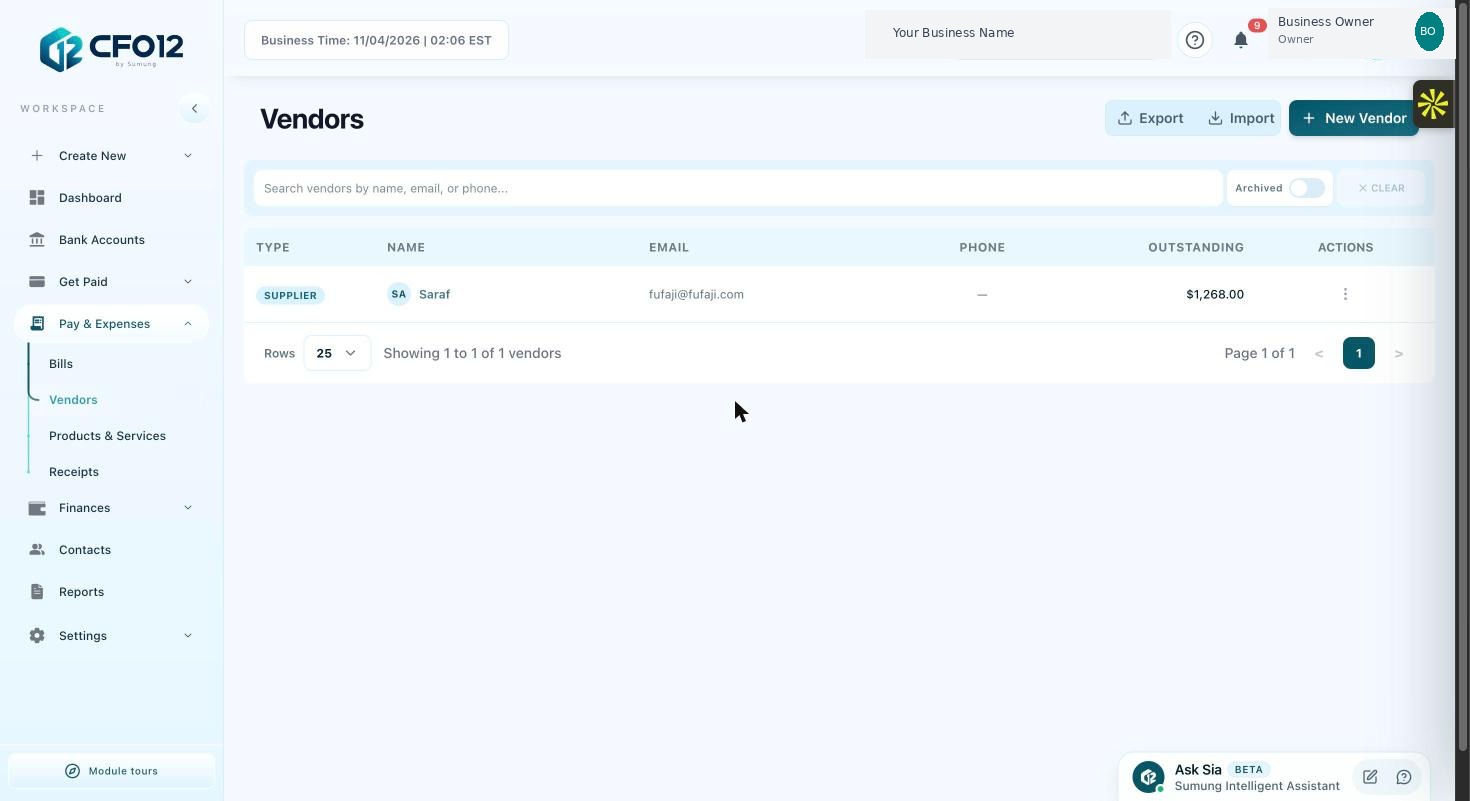
- Go to Pay & Expenses > Vendors.
- Click Archived.
- The list shows archived vendors.
- Click a vendor to view their details or unarchive them.
💡 Archive vendors you no longer work with to keep your active list uncluttered.
Related Articles
- How to View the Vendors List
- How to Add a New Vendor
- How to Archive a Contact
Was this article helpful?
Your feedback helps us improve our documentation.