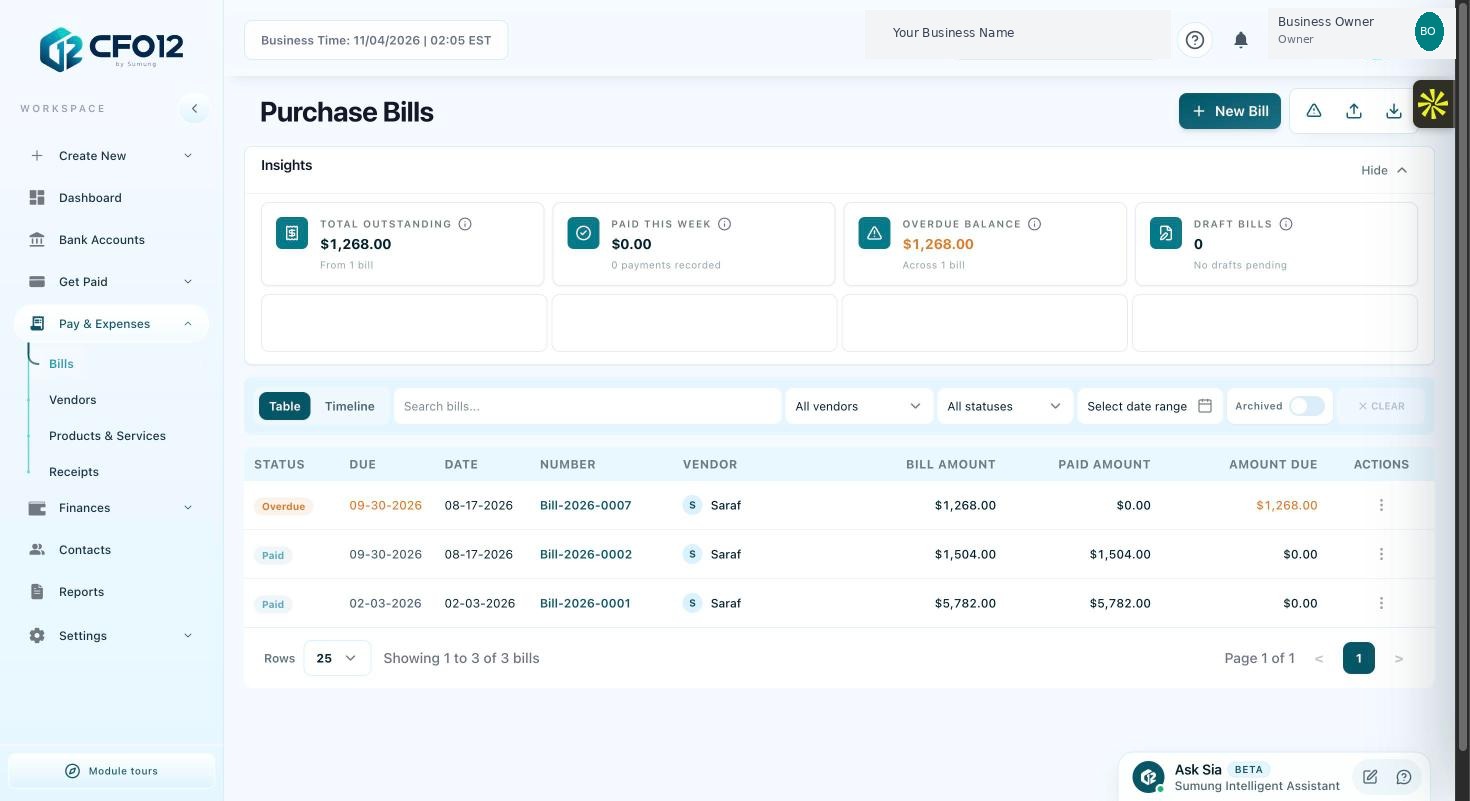
Filter the Bills list to see only bills that have been fully paid.
What You Can Do
- Go to Pay & Expenses > Bills.
- Use the status filter and select Paid.
- The list shows only paid bills.
- Remove the filter to return to all bills.
💡 Paid bills confirm vendor payments and appear in your Purchases by Vendor report.
Related Articles
- How to View All Bills
- How to Record a Payment on a Bill
- How to View the Purchases by Vendor Report
Was this article helpful?
Your feedback helps us improve our documentation.