Opening a vendor's detail page shows all bills and payment history for that supplier.
What You Can Do
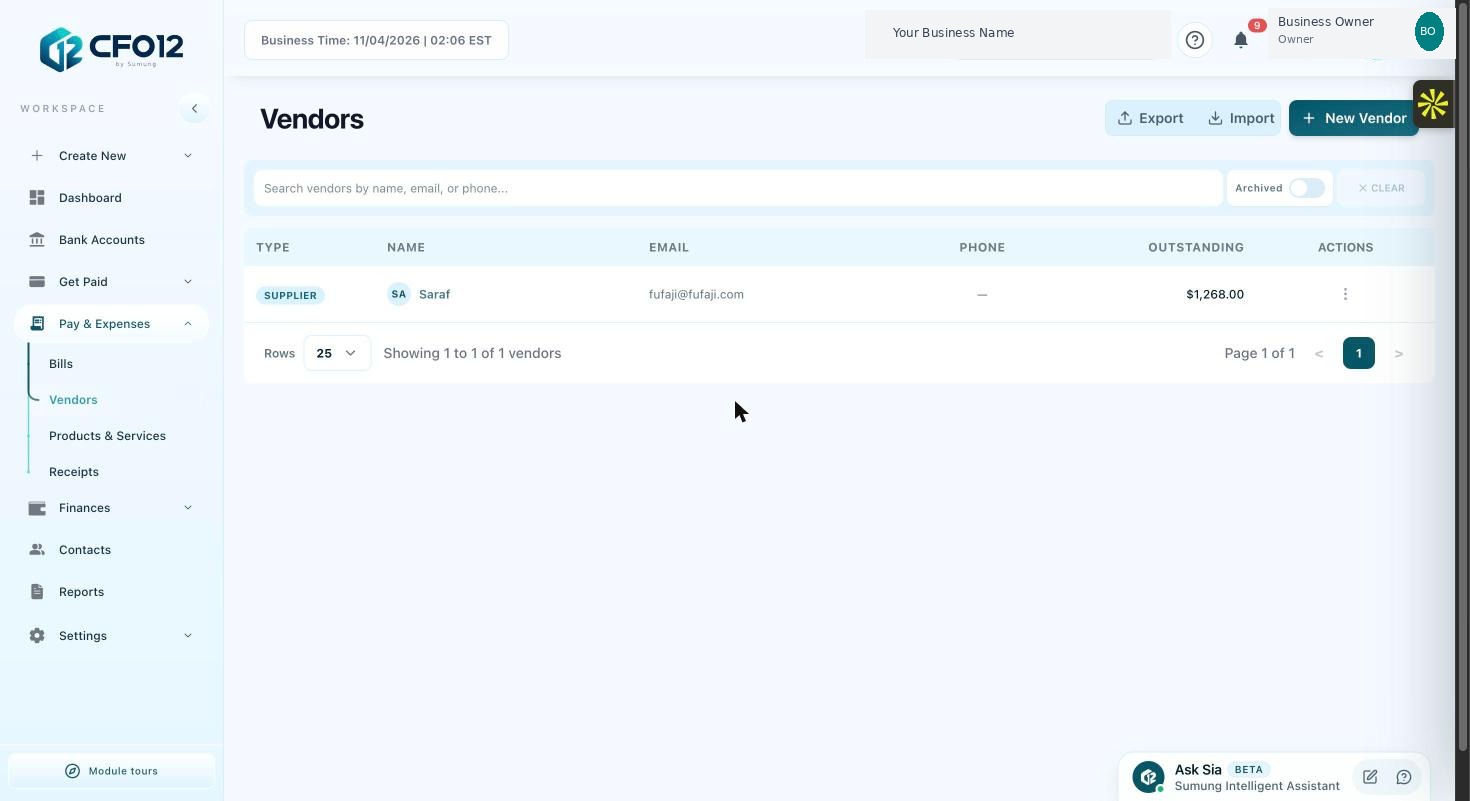
- Go to Pay & Expenses > Vendors.
- Click the vendor's name to open their detail page.
- The detail page shows all bills associated with this vendor.
- Review outstanding balances, payment history, and bill dates from here.
💡 A vendor's billing history is useful when reviewing spending or resolving discrepancies.
Related Articles
Was this article helpful?
Your feedback helps us improve our documentation.