If a draft bill was created by mistake, you can delete or discard it before approving.
What You Can Do
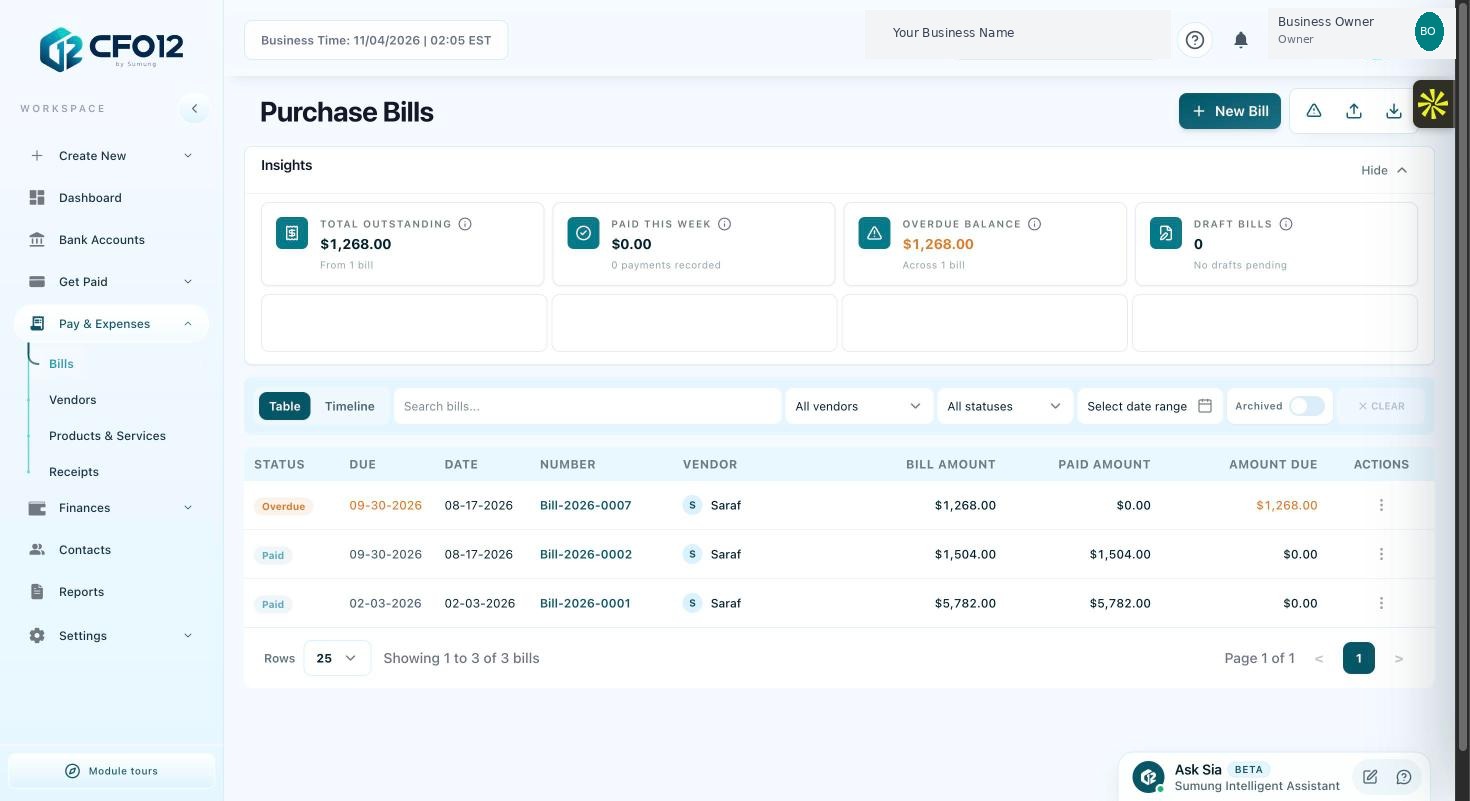
- Open the draft bill from the Bills list.
- Look for the delete or discard option in the bill actions.
- Confirm the deletion.
- The bill is permanently removed from your records.
💡 Only draft bills can be deleted. Approved bills should be archived rather than deleted.
Related Articles
Was this article helpful?
Your feedback helps us improve our documentation.