Archiving a bill removes it from active views while preserving its data.
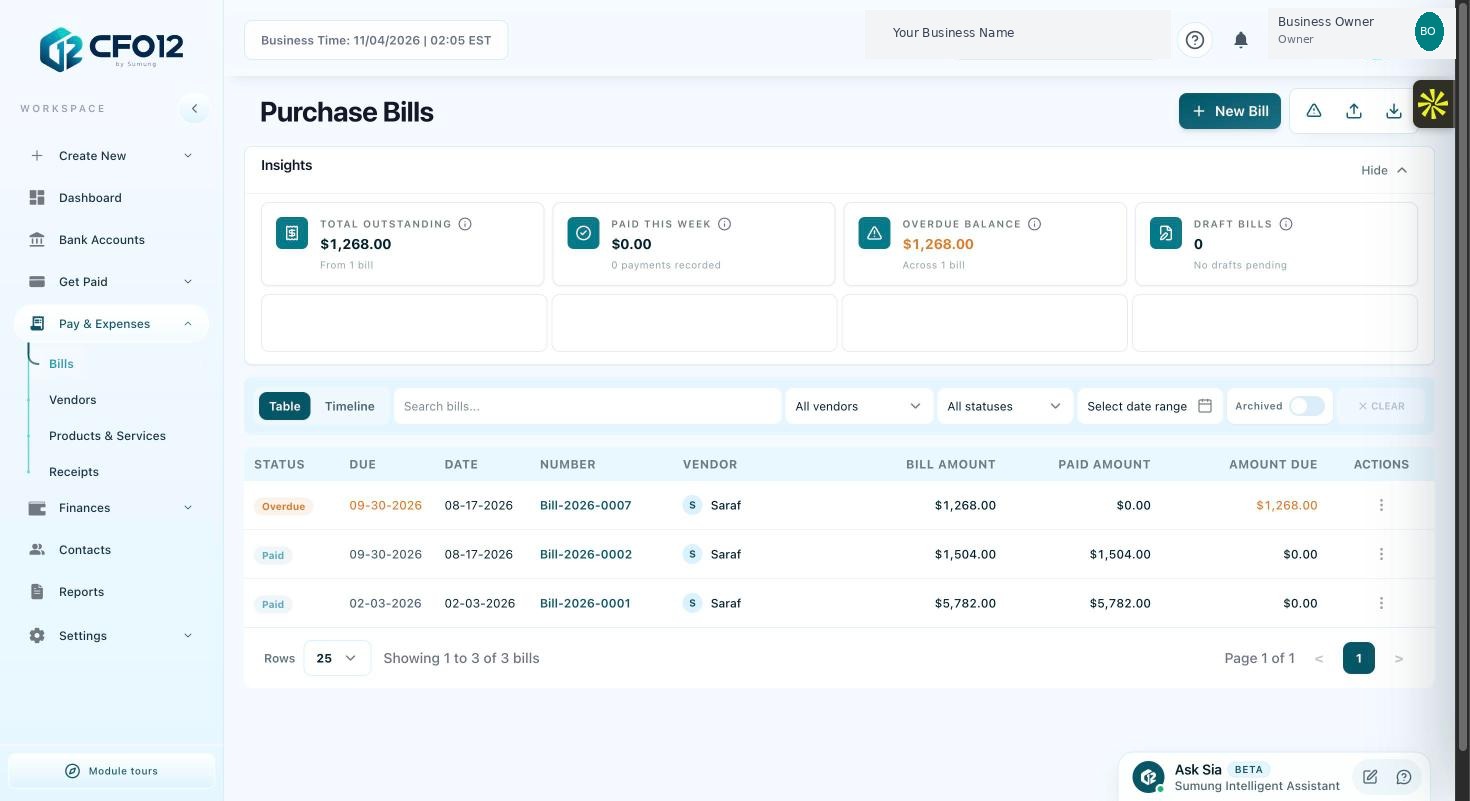
What You Can Do
- Open the bill you want to archive from the Bills list.
- Look for the archive option in the bill actions.
- Confirm the action.
- The bill is moved to the archived list and no longer appears in the main Bills view.
💡 Archived bills are still included in historical reports.
Related Articles
Was this article helpful?
Your feedback helps us improve our documentation.