Adding email and phone to a vendor record makes it easy to contact them directly from CFO12.
What You Can Do
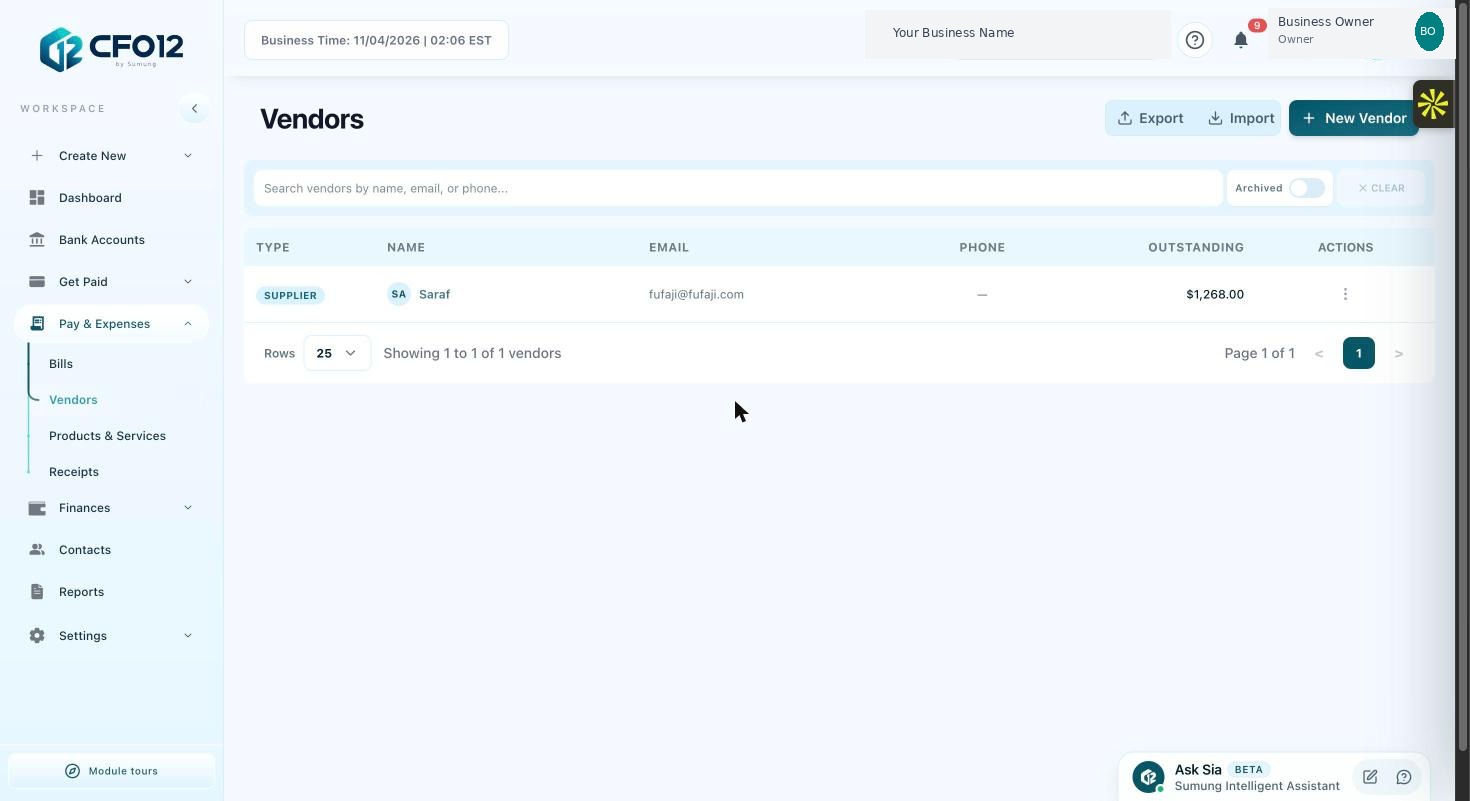
- Go to Pay & Expenses > Vendors and click on the vendor's name.
- Open the vendor's detail or edit view.
- Add the Email and Phone number in the contact information fields.
- Save the changes.
- The contact details are saved to the vendor record and visible in the vendor list.
💡 A vendor's email is needed if you want to send them documents or notifications from CFO12.
Related Articles
- How to Add a New Vendor
- How to View the Vendors List
- How to Edit a Contact
Was this article helpful?
Your feedback helps us improve our documentation.