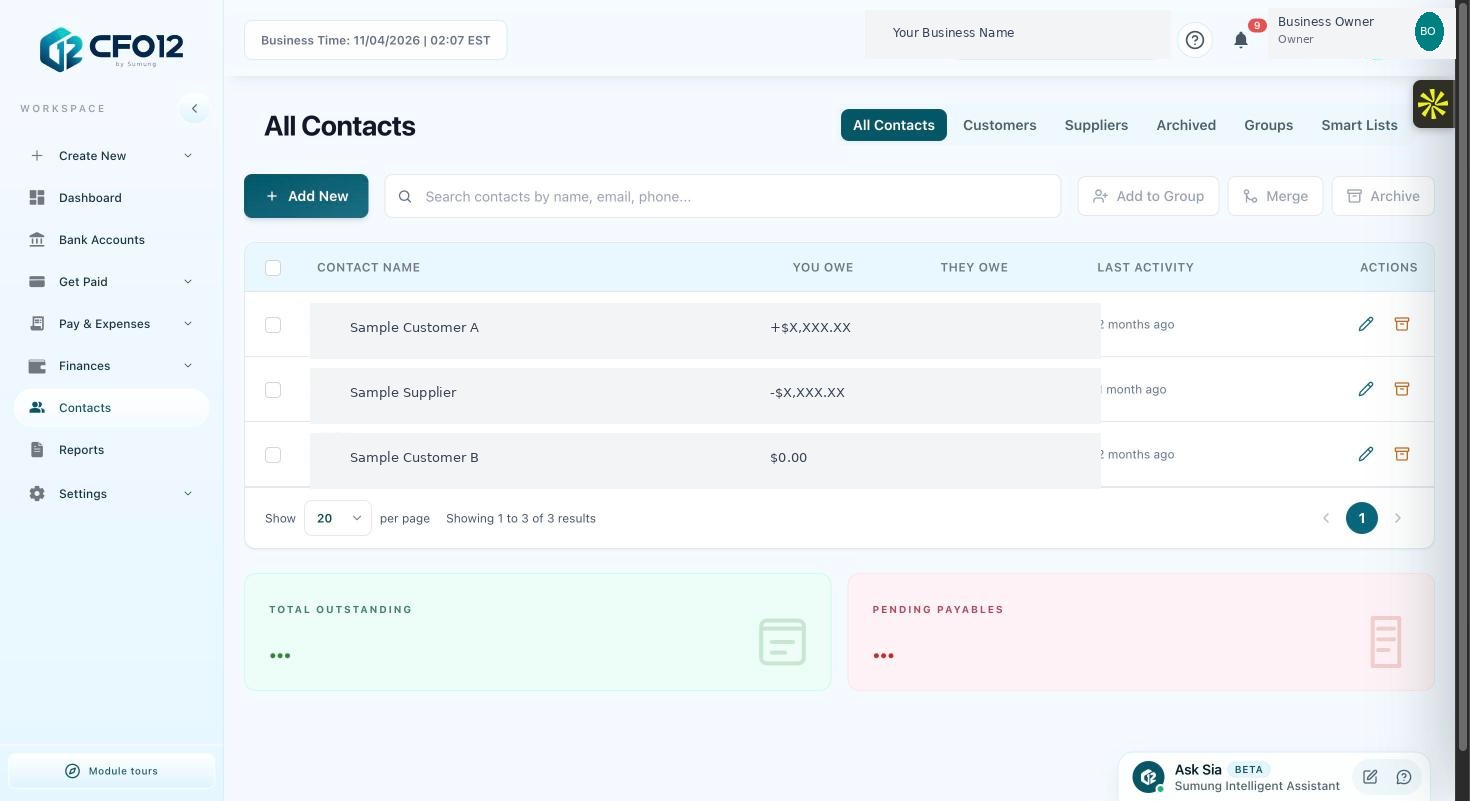
A contact's detail page shows all their stored information and linked transactions.
What You Can Do
- Go to Contacts and click on the contact's name.
- The detail page shows name, type, email, and address. Optionally, contact details including phone number may also be shown.
- Linked transactions (invoices for customers, bills for suppliers) are listed below.
- Edit the contact or archive them from this page.
💡 Keeping contact details current ensures correspondence and financial documents reach the right place.
Related Articles
- How to Edit a Contact
- How to View a Contact's Transaction History
- Overview of Contacts
Was this article helpful?
Your feedback helps us improve our documentation.