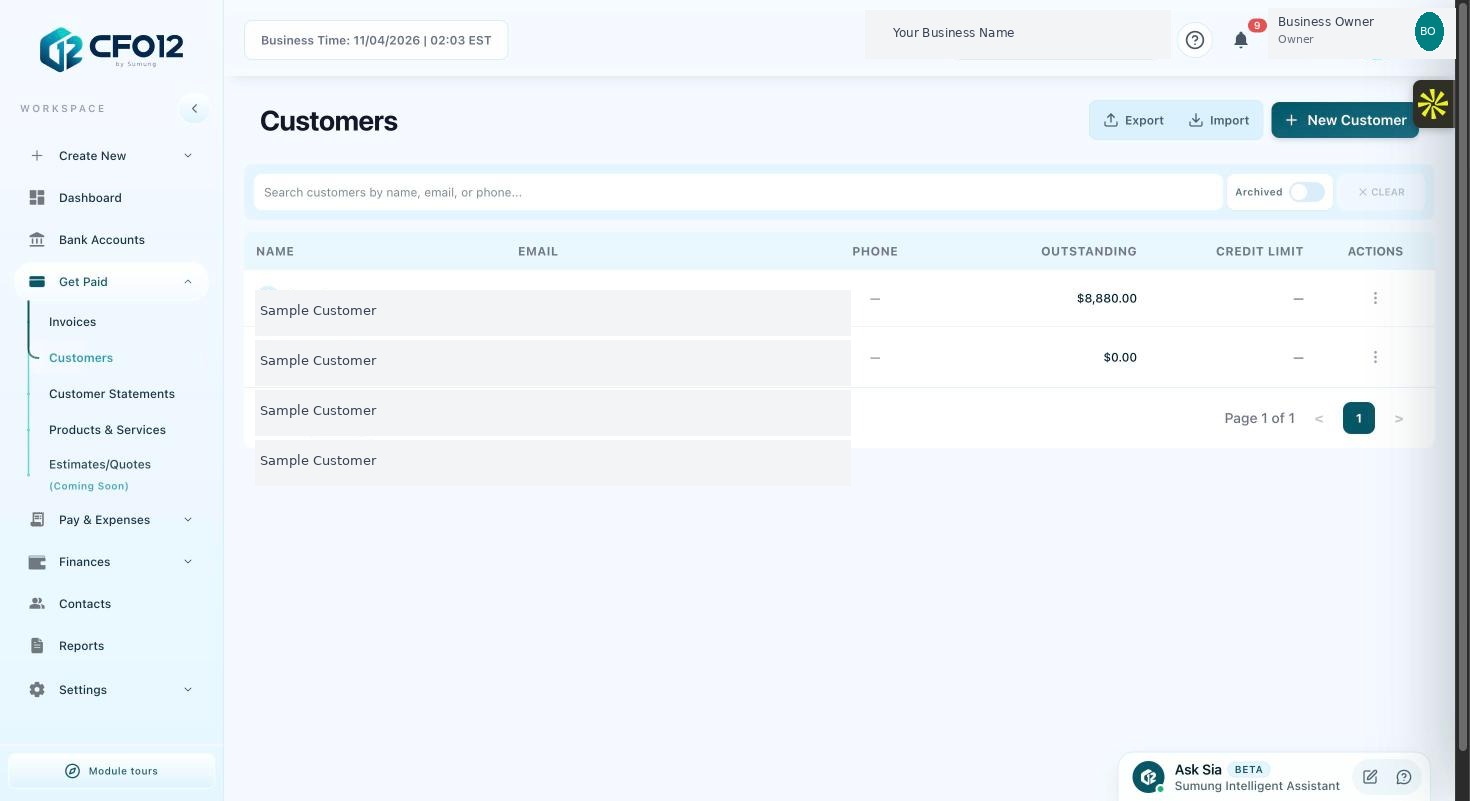
The Customers tab in Contacts shows every contact designated as a customer.
What You Can Do
- Go to Contacts > Customers tab.
- Browse the full list of customers.
- Click a customer to view their details and transaction history.
- Use search or filter to find a specific customer.
- These are the same customers shown in Get Paid > Customers.
💡 Customer contacts created in Get Paid appear here automatically.
Related Articles
- How to Add a New Contact
- How to View All Contacts
- How to View a Contact's Transaction History
Was this article helpful?
Your feedback helps us improve our documentation.