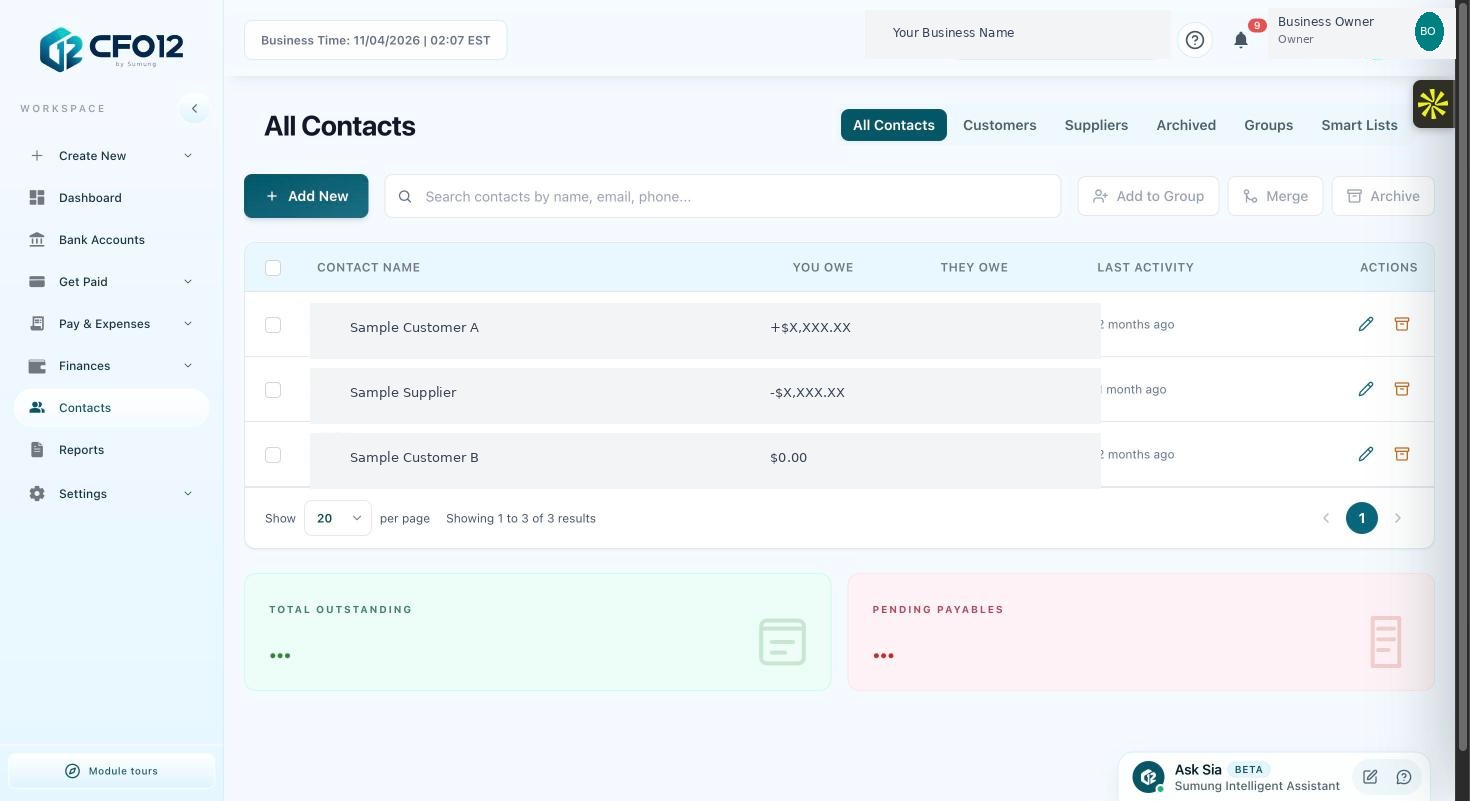
Contact data powers several reports in CFO12 — keeping it accurate improves report quality.
What You Can Do
- Income by Customer groups revenue by customer contact.
- Purchases by Vendor groups spend by supplier contact.
- Aged Receivables lists outstanding balances by customer.
- Aged Payables lists outstanding balances by supplier.
- Accurate contact records ensure these reports are correct and useful.
💡 Contacts are the foundation of customer and supplier reports. Clean contact data = accurate reports.
Related Articles
- How to View the Income by Customer Report
- How to View the Aged Receivables Report
- Overview of Contacts
Was this article helpful?
Your feedback helps us improve our documentation.