A contact's transaction history shows all recent invoices, bills, and payments.
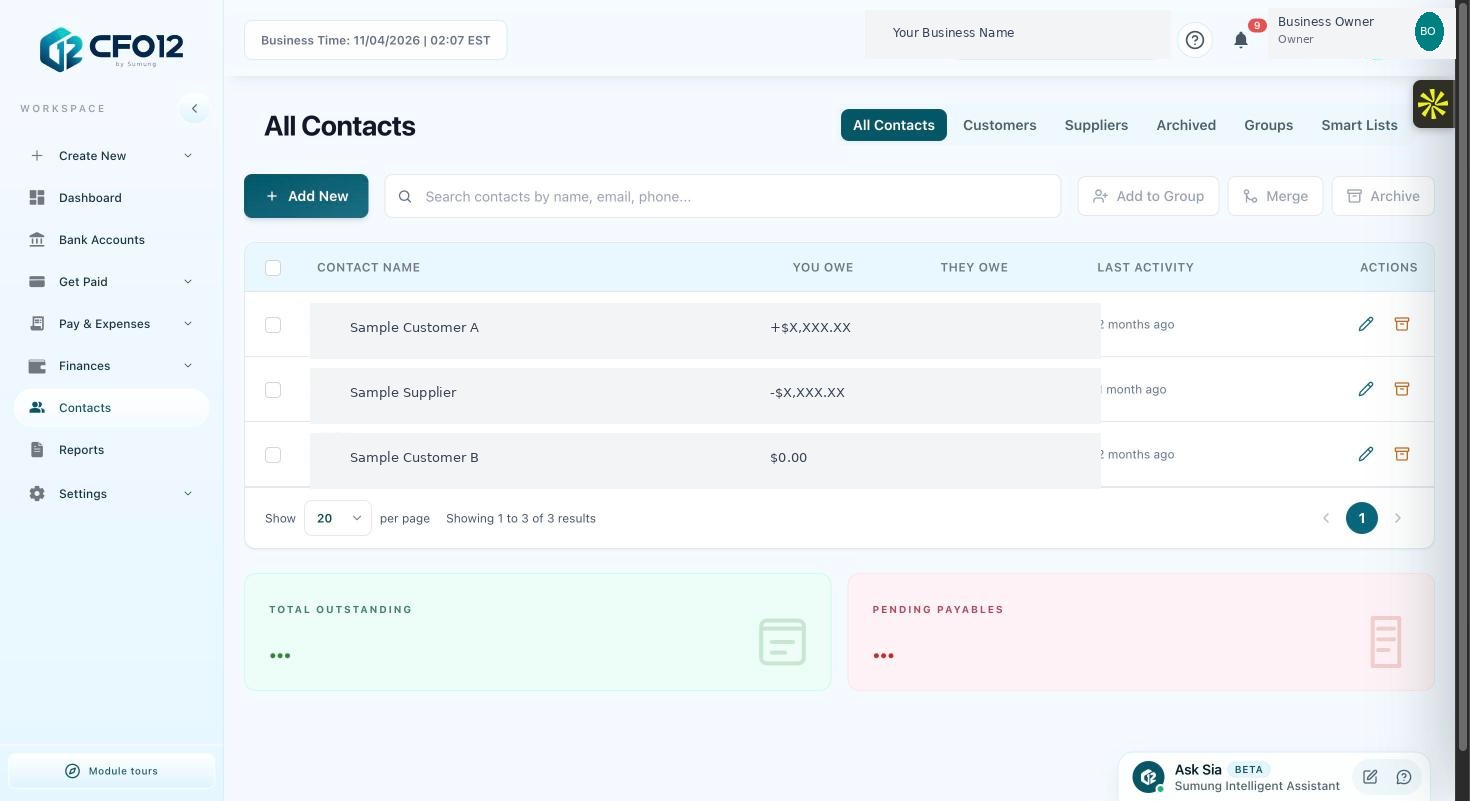
What You Can Do
- Go to Contacts and click the contact.
- Review the transaction list on the contact detail page.
- Transactions are listed chronologically — most recent first.
- Click individual transactions to open them.
- Use this for account reviews and dispute resolution.
💡 A complete transaction history helps resolve payment disputes and provides a full account record.
Related Articles
- How to View a Contact's Transaction History
- How to Edit a Contact
- Overview of Contacts
Was this article helpful?
Your feedback helps us improve our documentation.