Use transaction history and reports to monitor activity across your contacts.
What You Can Do
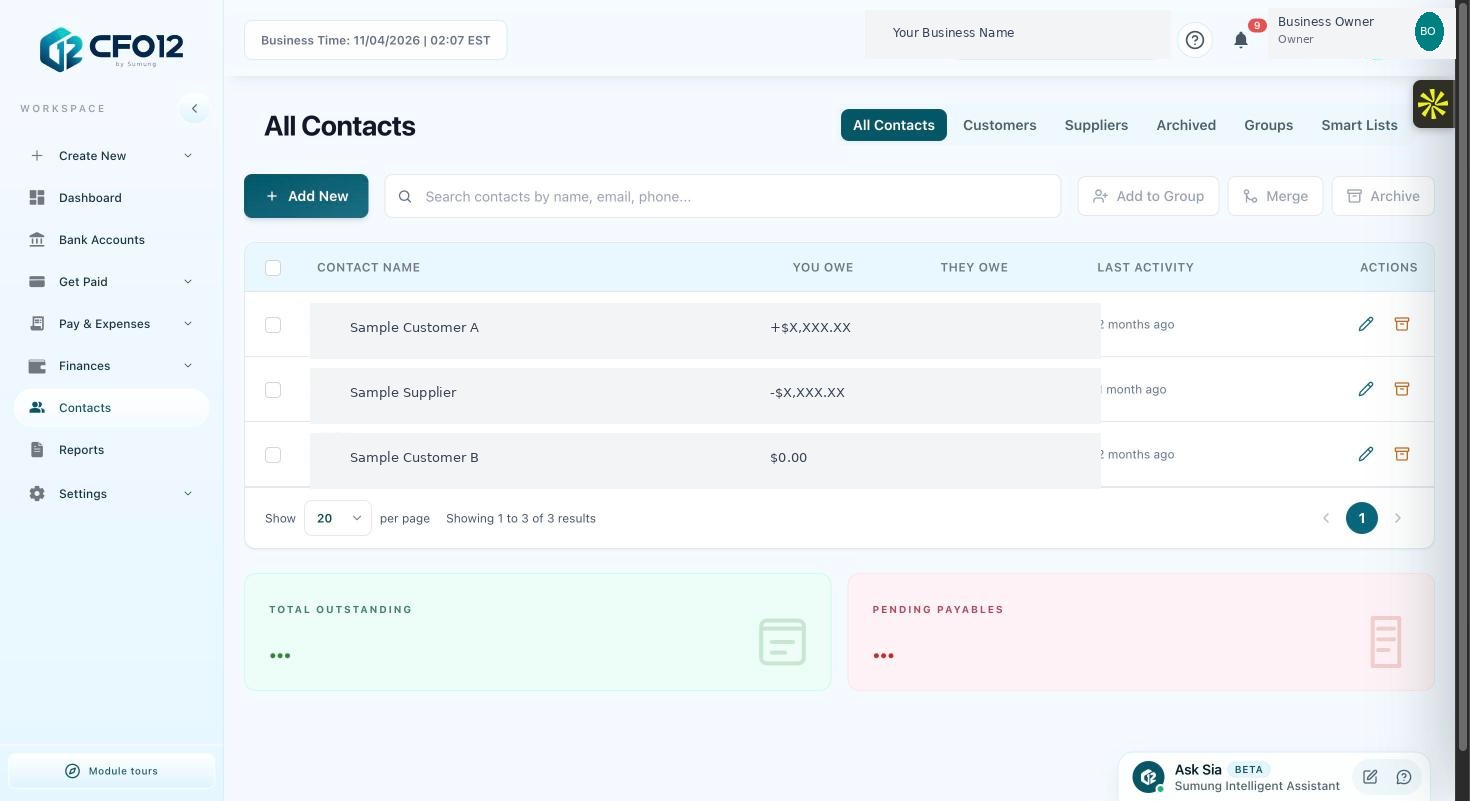
Go to Contacts and open a contact record.
Review the linked transactions to see recent activity.
Use Reports > Aged Receivables to track outstanding customer balances.
Use Reports > Aged Payables to track outstanding supplier balances.
Archive inactive contacts to keep your active list focused.
💡 Combining contact records with aged reports gives you a complete view of contact activity.
Related Articles
- How to View the Aged Receivables Report
- How to View the Aged Payables Report
- Overview of Contacts
Was this article helpful?
Your feedback helps us improve our documentation.