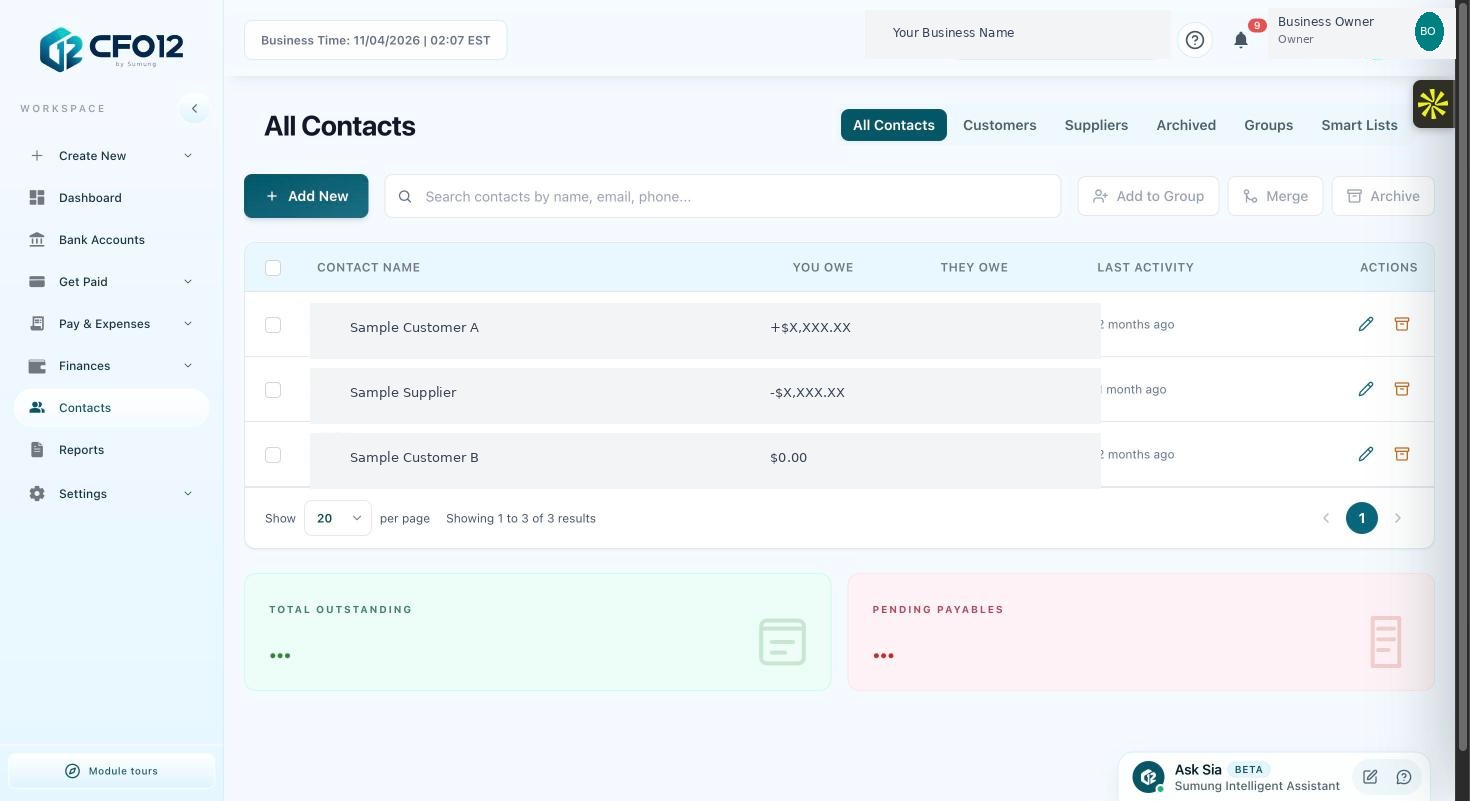
Use the available tabs and search tools in Contacts to browse and filter your contact list.
What You Can Do
Go to Contacts.
Click Customers to see only customer contacts.
Click Suppliers to see only supplier contacts.
Click Archived to see archived contacts.
Click All to see every contact in one list.
Use the search field to find a specific contact by name.
Click Smart Lists to access saved dynamic filters — each Smart List shows contacts matching a predefined set of criteria.
💡 Use the type tabs for quick filtering, or Smart Lists for saved dynamic filters based on custom criteria.
Related Articles
- How to View All Contacts
- How to Search for a Contact
- Overview of Contacts
Was this article helpful?
Your feedback helps us improve our documentation.