You can add a new vendor contact directly while creating a bill.
What You Can Do
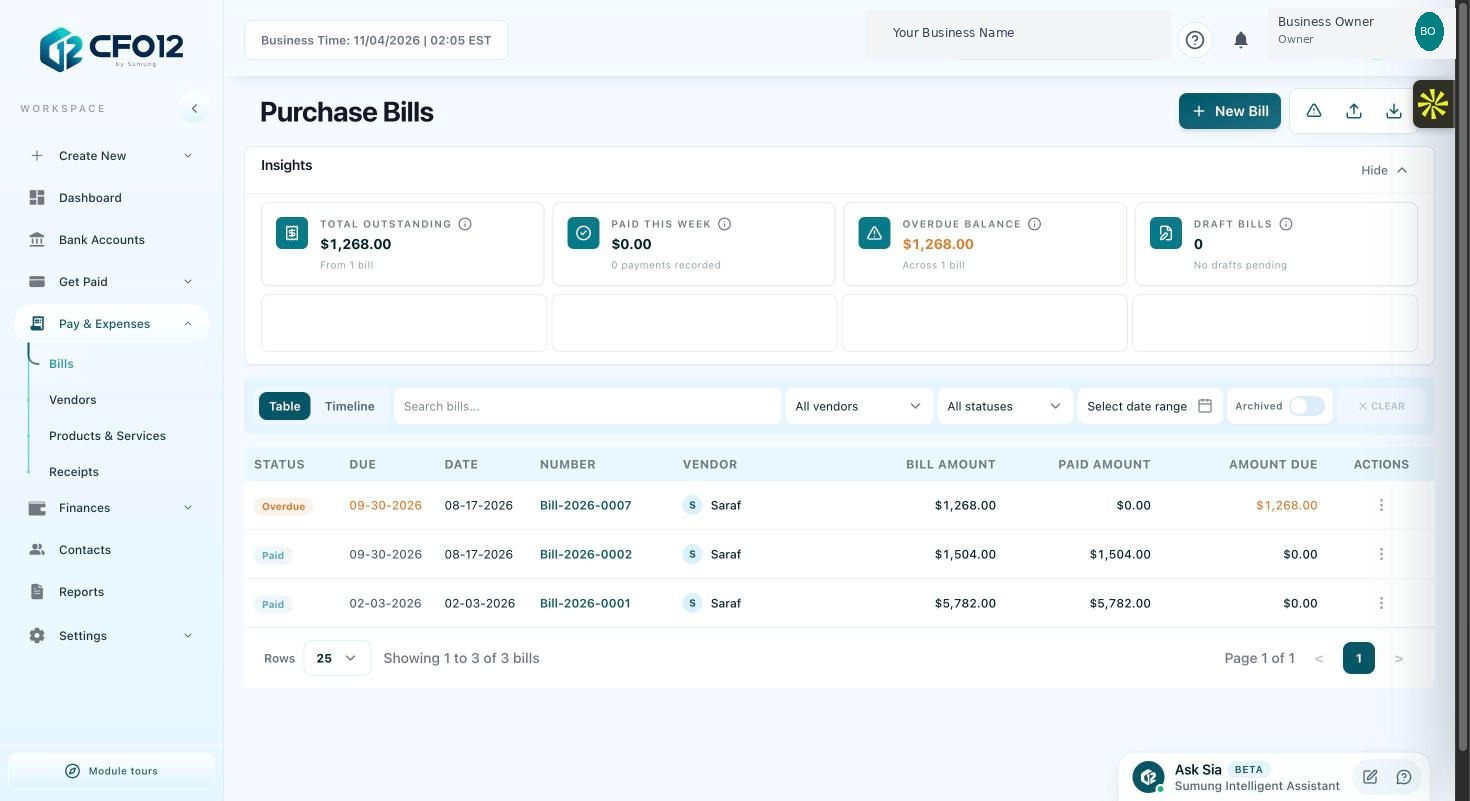
- Go to Pay & Expenses > Bills and click New Bill.
- In the vendor field, type the new vendor's name.
- If no match is found, select the option to add a new contact.
- Enter the vendor's details.
- Save. The new contact is added to both Contacts and Pay & Expenses > Vendors.
💡 💡 Adding suppliers during bill creation avoids switching sections and keeps your workflow efficient.
Related Articles
- How to Add a New Contact
- How to Create a Bill
- Overview of Contacts
Was this article helpful?
Your feedback helps us improve our documentation.