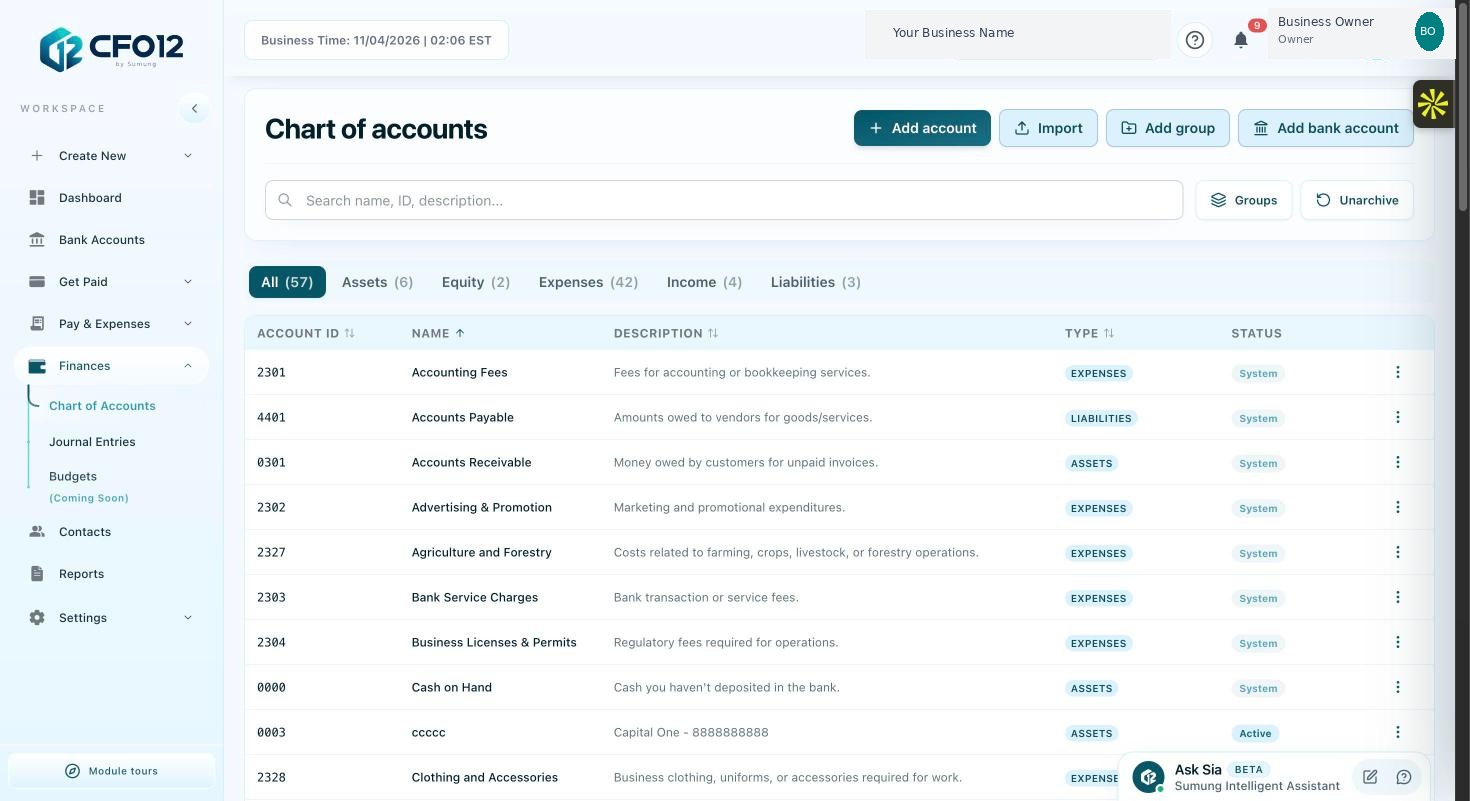
Bank accounts you add in CFO12 appear as Asset accounts in the Chart of Accounts.
What You Can Do
- Go to Chart of Accounts.
- Filter to asset accounts.
- Your bank accounts are listed here.
- Click any bank account entry to see more details.
💡 Bank accounts are Assets because they represent money your business owns.
Related Articles
- How to Add a Bank Account
- How to View the Chart of Accounts
- What Are Asset Accounts?
Was this article helpful?
Your feedback helps us improve our documentation.