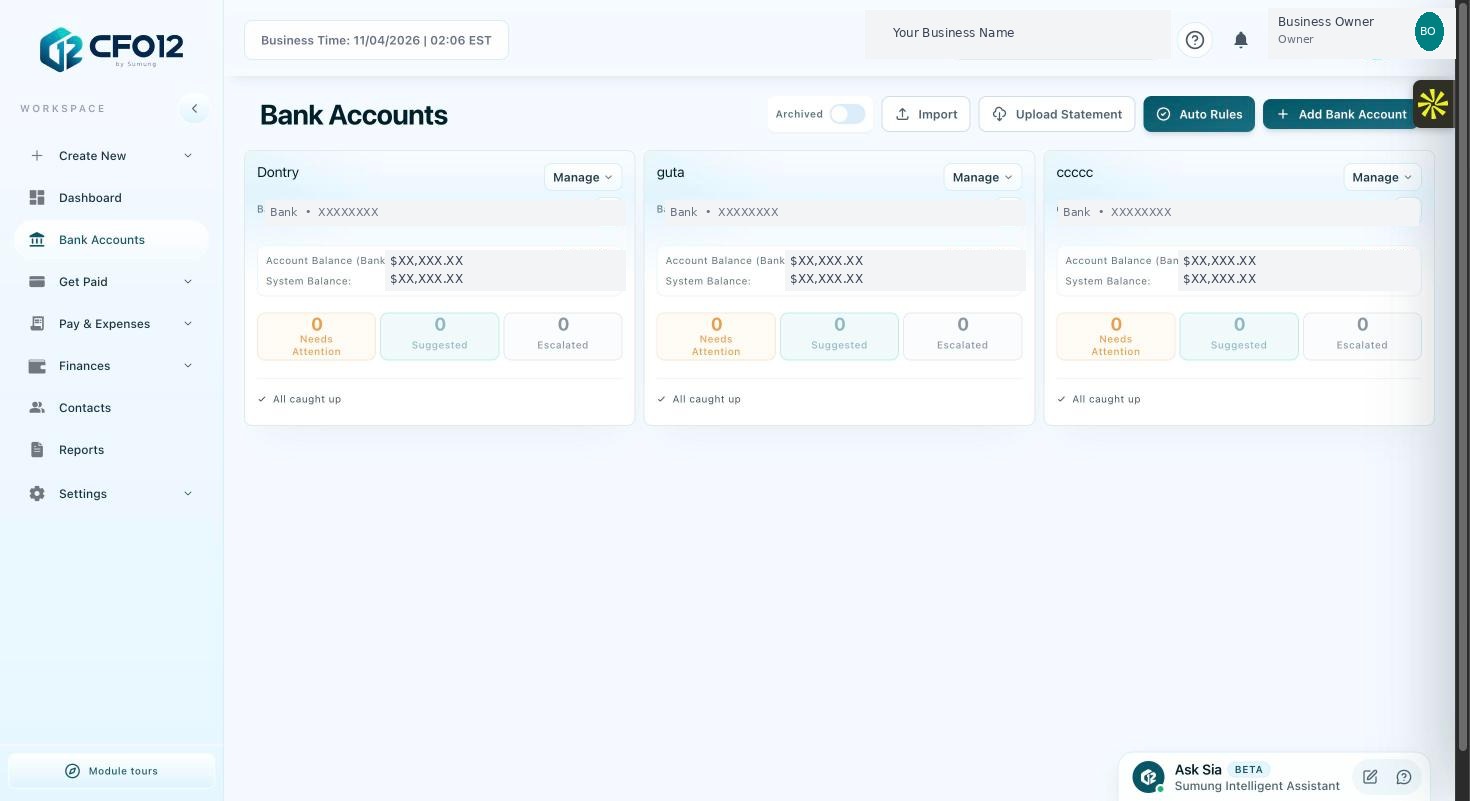
Use the search or filter tools to locate a specific transaction in a bank account.
What You Can Do
- Open the bank account from the Bank Accounts page.
- Use available search or filter options to narrow the transaction list.
- Filter by date range or keywords to find the transaction.
- Click the transaction to open and review its details.
💡 Keeping transaction descriptions consistent makes searching much faster.
Related Articles
Was this article helpful?
Your feedback helps us improve our documentation.