Reviewing your Auto Rules settings ensures transactions continue to be categorised correctly.
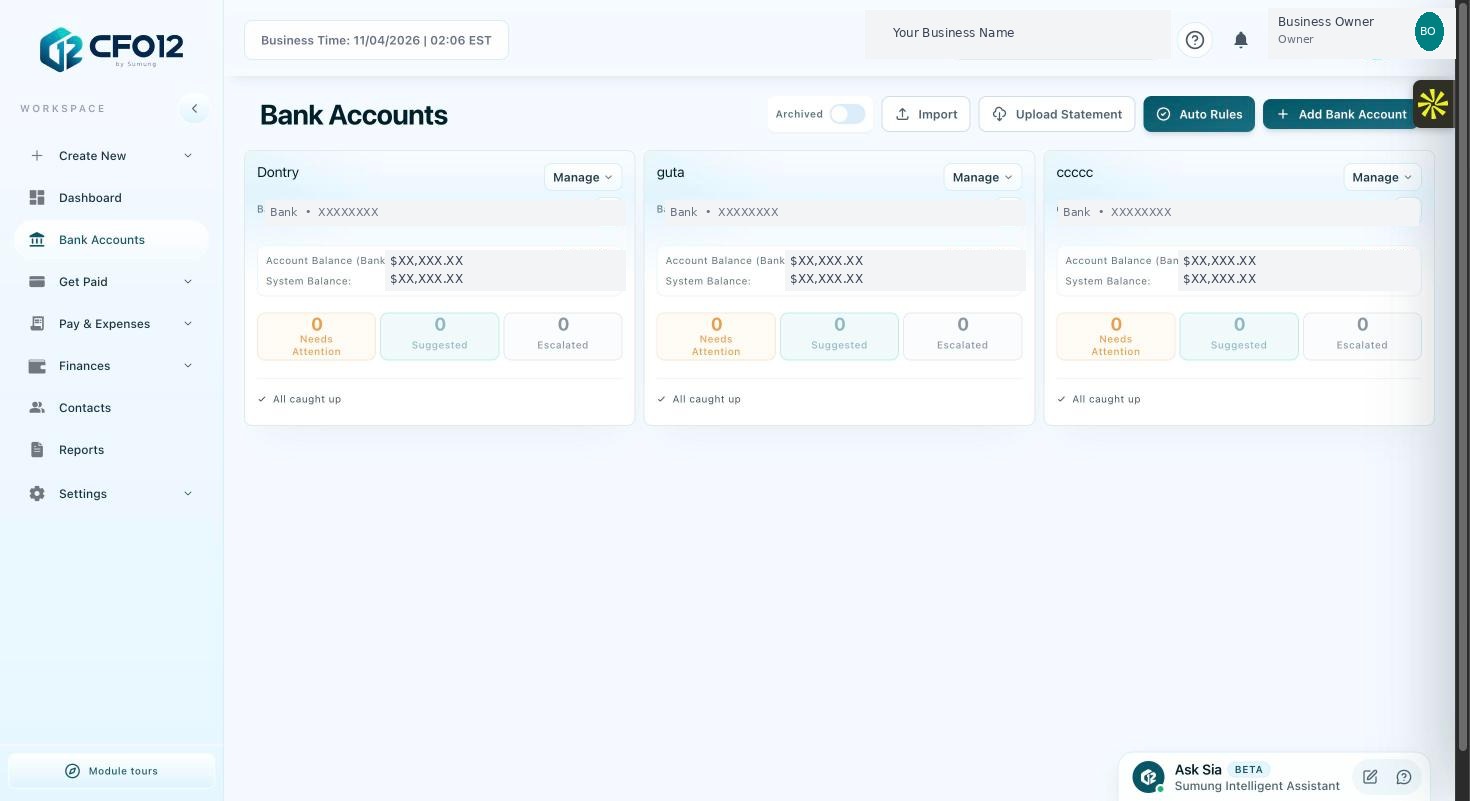
What You Can Do
- Go to Bank Accounts and click Auto Rules.
- Review the list of active rules.
- Check the conditions and assigned accounts for each rule.
- Update or delete rules that are no longer accurate.
- Add new rules for transaction types you have recently encountered.
💡 Update Auto Rules whenever a vendor changes their transaction description or you start working with a new supplier.
Related Articles
- What Are Auto Rules?
- How to Set Up Auto Rules
- How to Categorise a Bank Transaction
Was this article helpful?
Your feedback helps us improve our documentation.