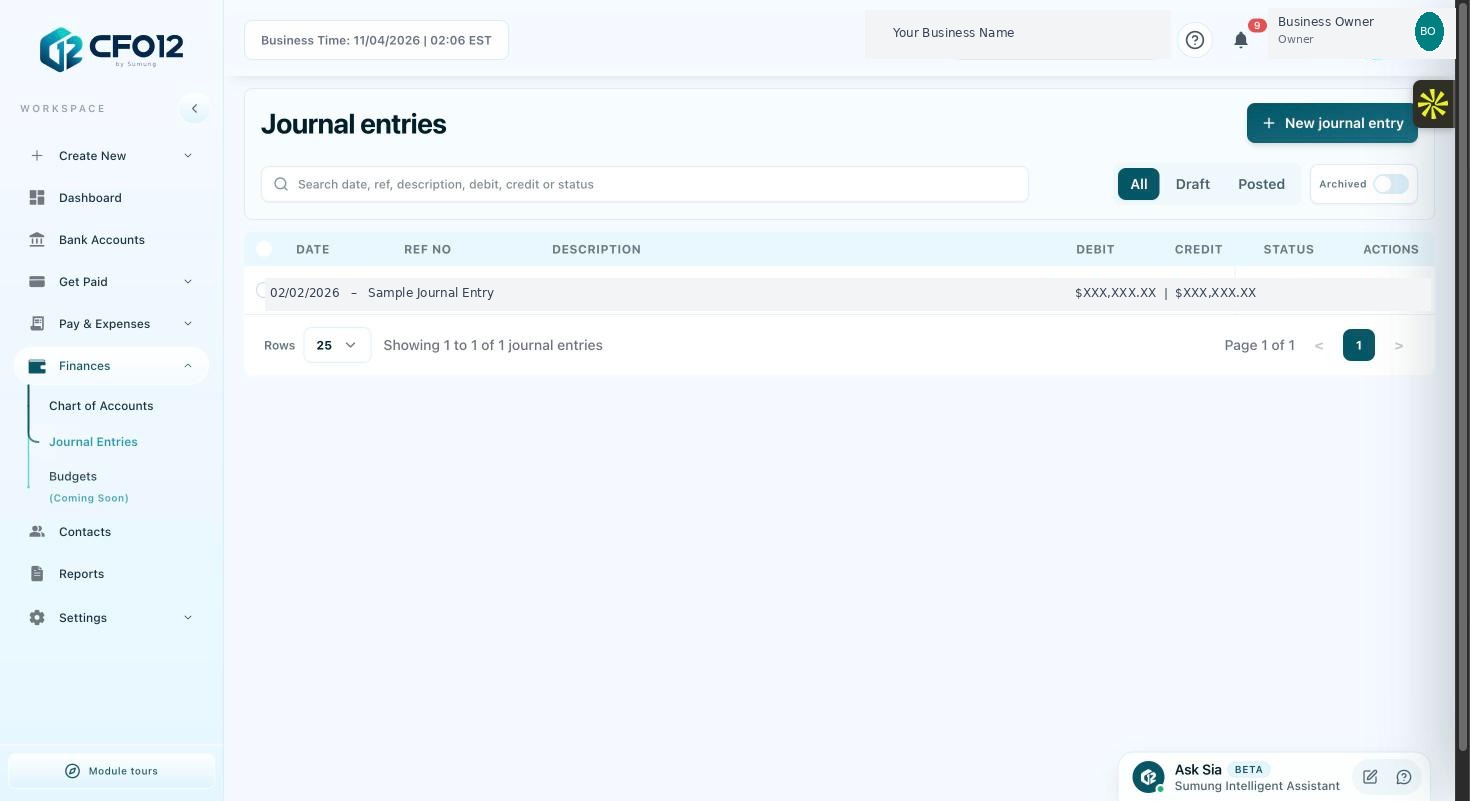
The journal entries list shows whether each entry is Draft, Posted, or Archived.
What You Can Do
- Go to Finances > Journal Entries.
- Each entry shows its current state.
- Draft — saved but not yet posted.
- Posted — finalised and recorded in books.
- Archived — moved to archive and removed from active view.
💡 A Draft status means the entry can still be edited. A Posted status means it is locked.
Related Articles
Was this article helpful?
Your feedback helps us improve our documentation.