Opening a journal entry shows all its line items, accounts, and amounts.
What You Can Do
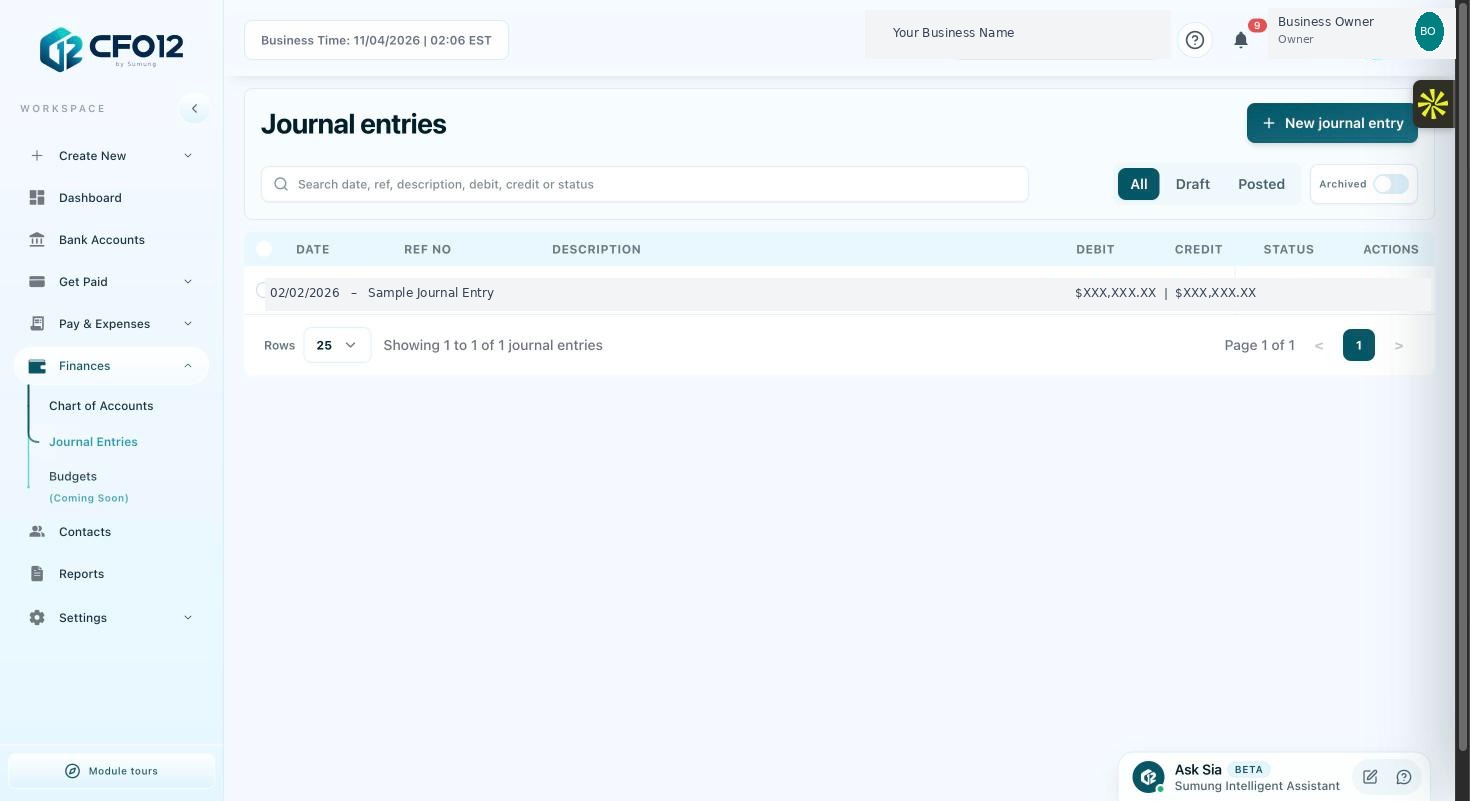
- Go to Finances > Journal Entries.
- Click on a journal entry in the list.
- The detail view shows the date, Reference, Memo/Notes, and all line items.
- Each line item shows the account, debit amount, and credit amount.
- Review for accuracy before or after posting.
💡 Reviewing journal entries before posting prevents errors in your financial reports.
Related Articles
Was this article helpful?
Your feedback helps us improve our documentation.