Upgrade your CFO12 subscription to access more features or higher usage limits.
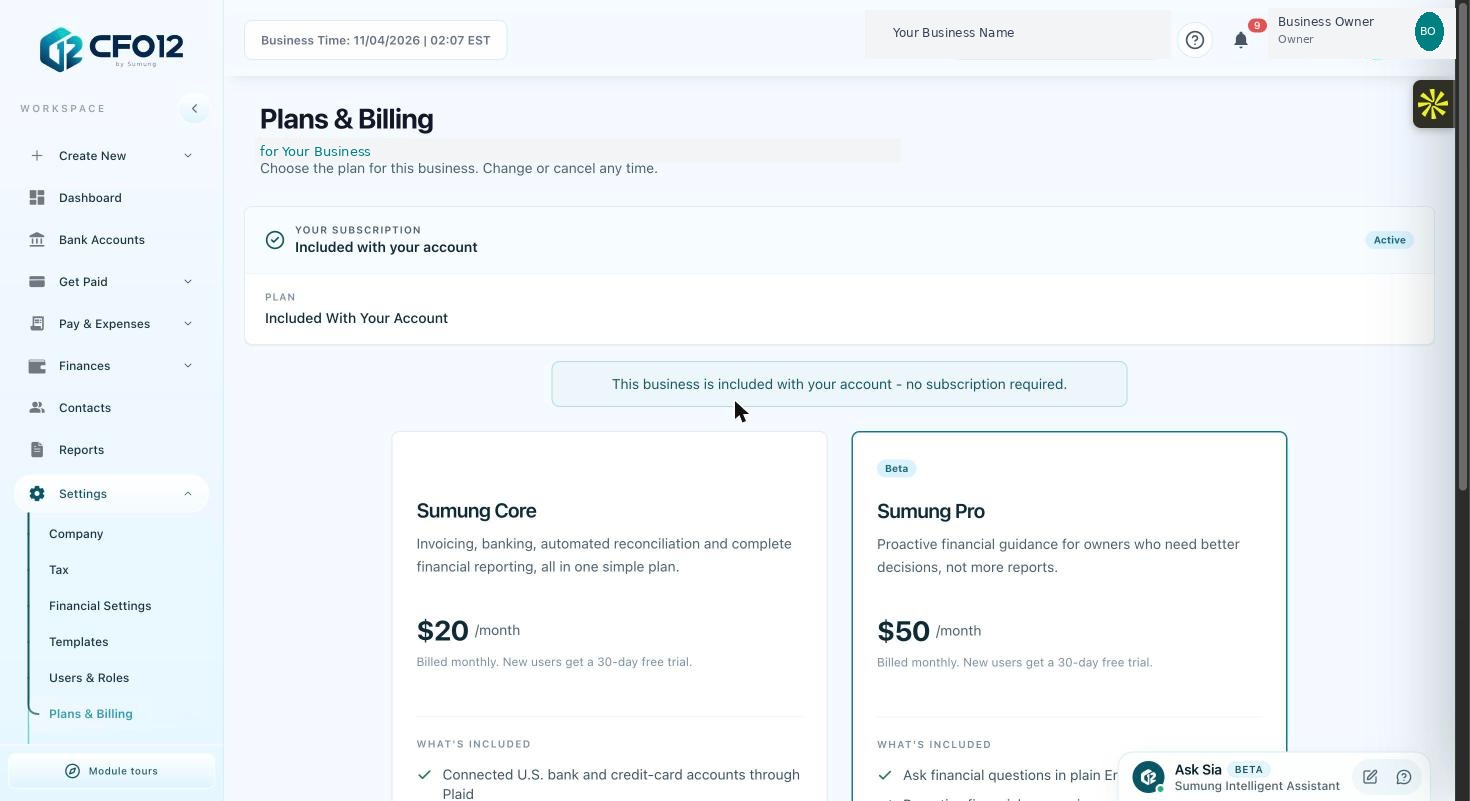
What You Can Do
- Go to Settings > Plans & Billing.
- Review the available plans.
- Click to select the plan you want to upgrade to.
- Review the new plan's pricing.
- Confirm the upgrade. Your account is updated immediately.
💡 Upgrading takes effect immediately. You are billed the difference for the remaining period.
Related Articles
- How to Review the Subscription Section
- What Plans Are Available in CFO12?
- Overview of Settings
Was this article helpful?
Your feedback helps us improve our documentation.