Control who can access your CFO12 account and what they can do using Users & Roles.
What You Can Do
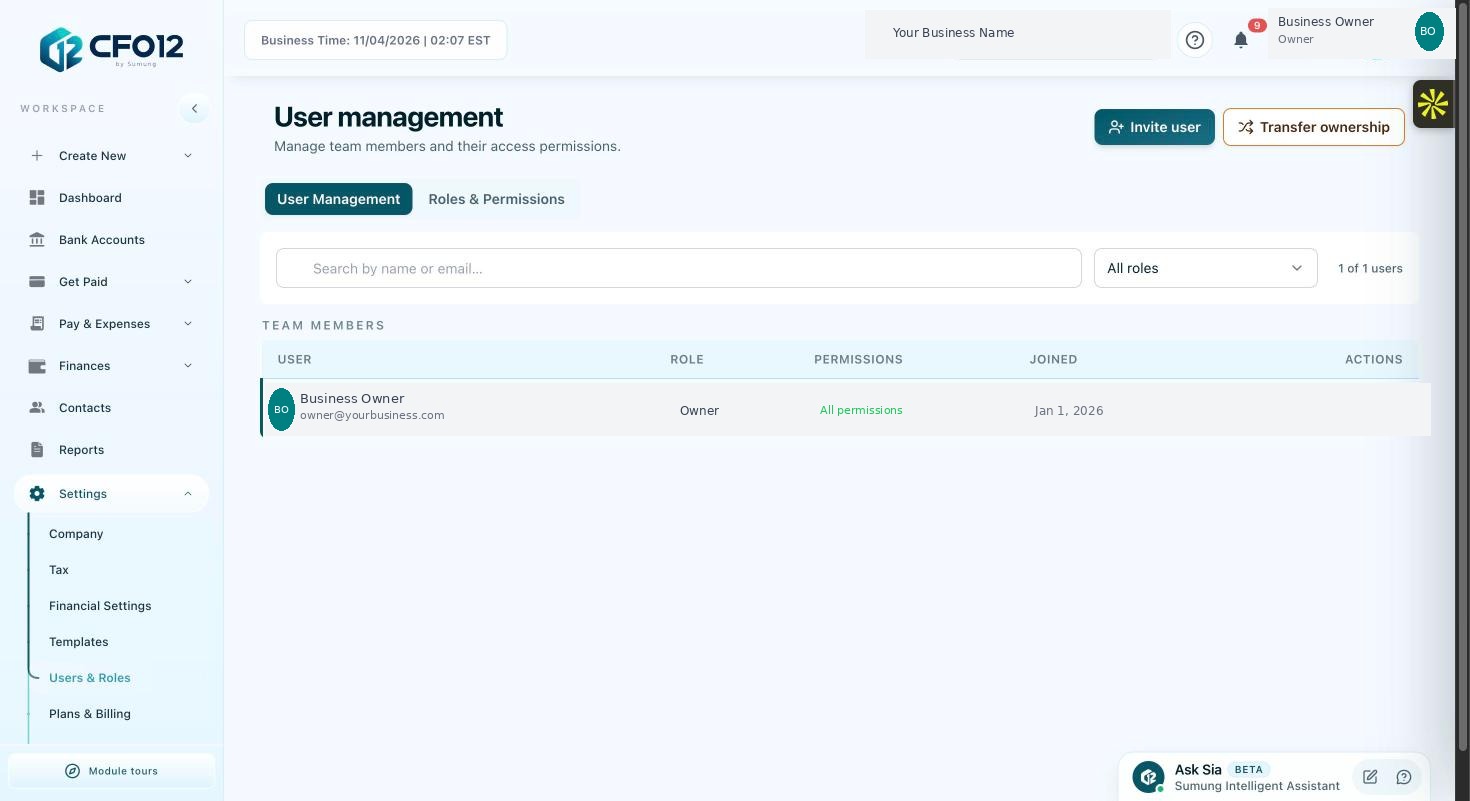
- Go to Settings > Users & Roles.
- Review the list of users with access.
- Use the option to invite a new user.
- Remove users who no longer need access.
- Adjust roles as responsibilities change.
💡 Regular user access reviews are a simple but important security practice for financial systems.
Related Articles
- How to Invite a New User
- How to Remove a User
- What Are the User Roles in CFO12?
Was this article helpful?
Your feedback helps us improve our documentation.