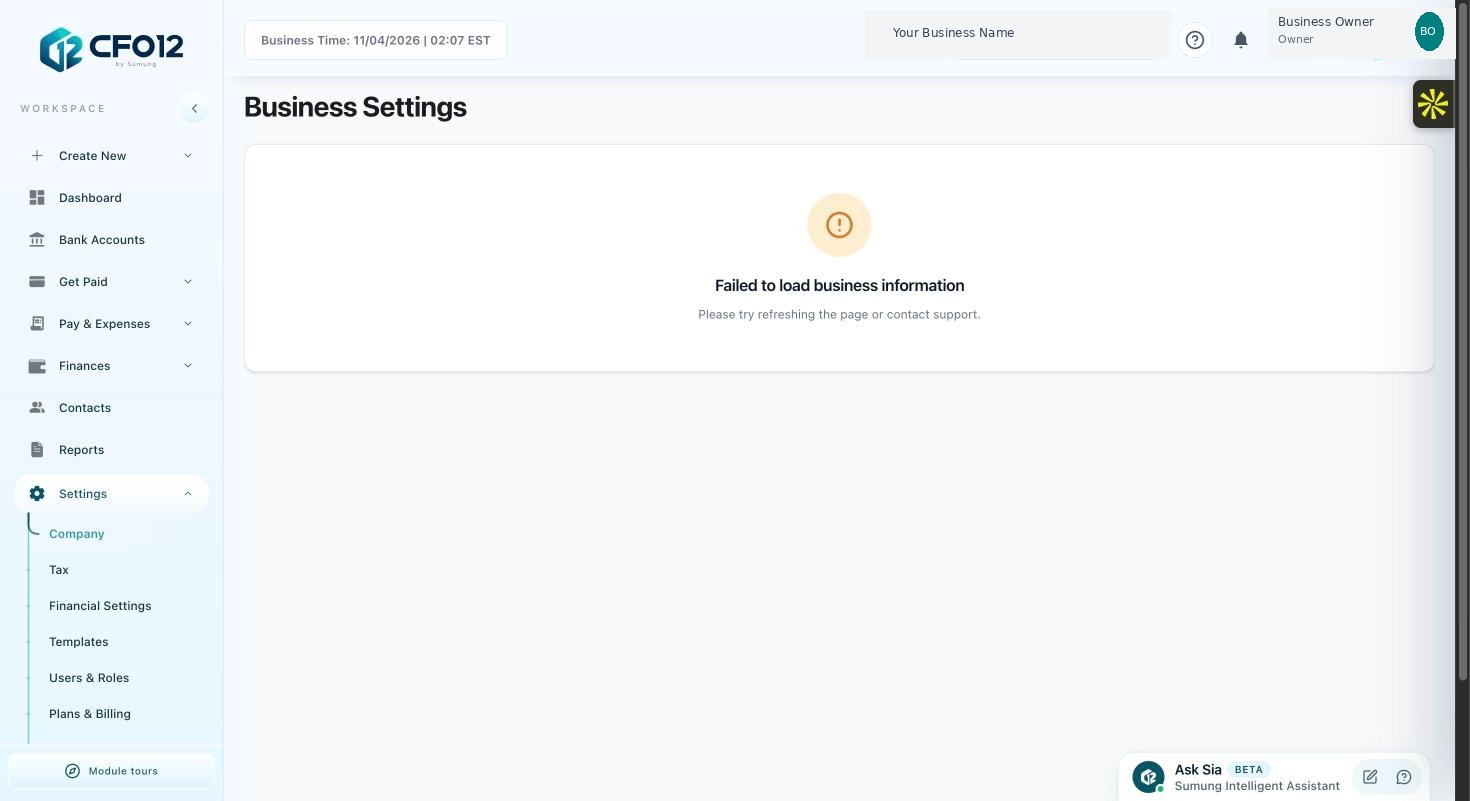
Company Settings is where you manage your business profile information in CFO12.
What You Can Do
- Go to Settings > Company.
- Review company name, address, phone, email, website, and logo.
- Update any outdated information.
- Save changes.
- Updated details appear on new invoices and documents.
💡 Accurate company information builds trust with customers who receive your invoices.
Related Articles
- How to Update Company Information
- How to Upload a Company Logo
- Overview of Settings
Was this article helpful?
Your feedback helps us improve our documentation.