The Account Balances report shows the current balance for every account in your chart of accounts.
What You Can Do
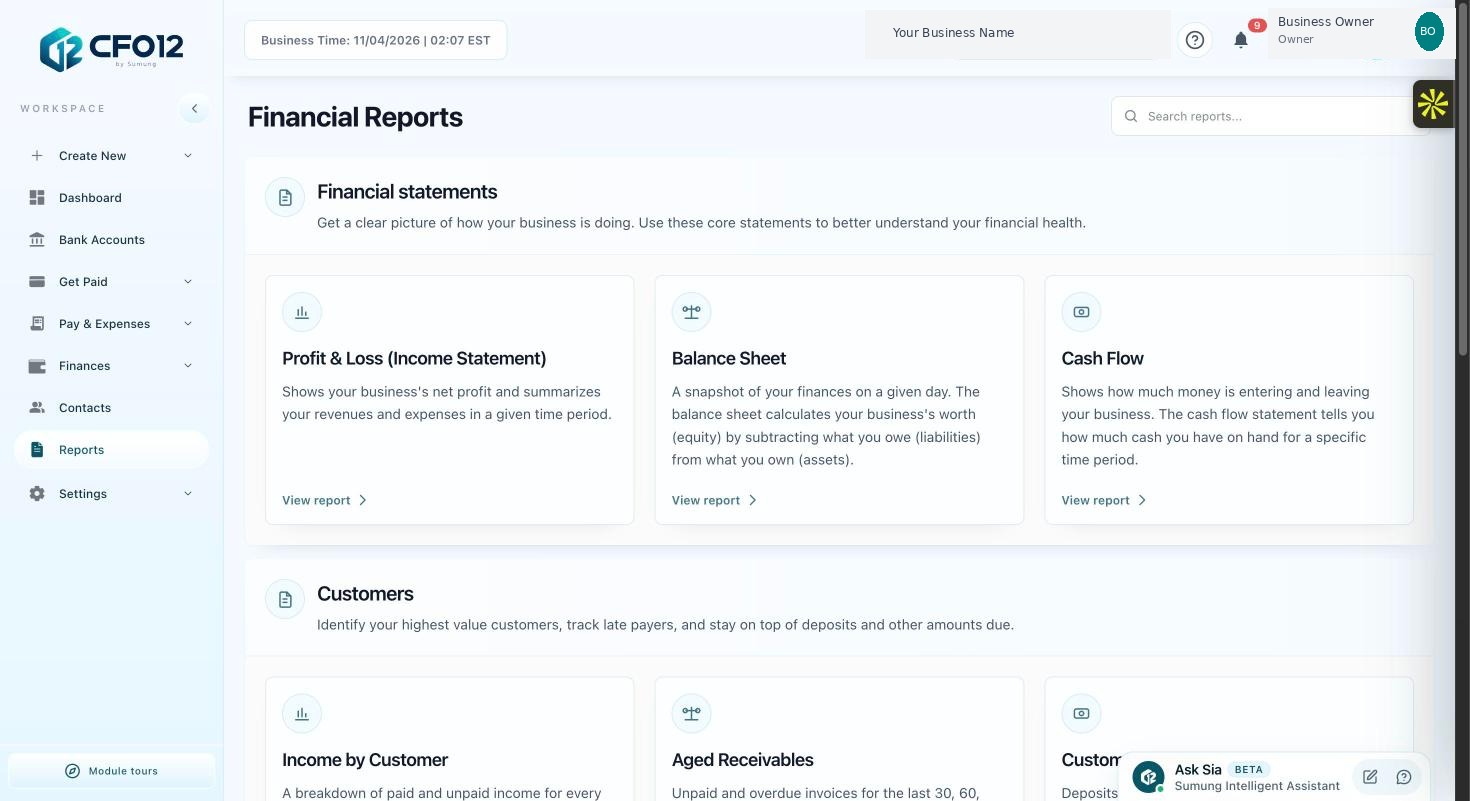
- Go to Reports and click Account Balances.
- Set the date range for the report period.
- The report displays each account with its opening balance, movements, and closing balance.
- Review individual account balances to verify they are as expected.
- Export the report for further use.
💡 Use Account Balances to do a quick check of all account positions before closing a period.
Related Articles
Was this article helpful?
Your feedback helps us improve our documentation.