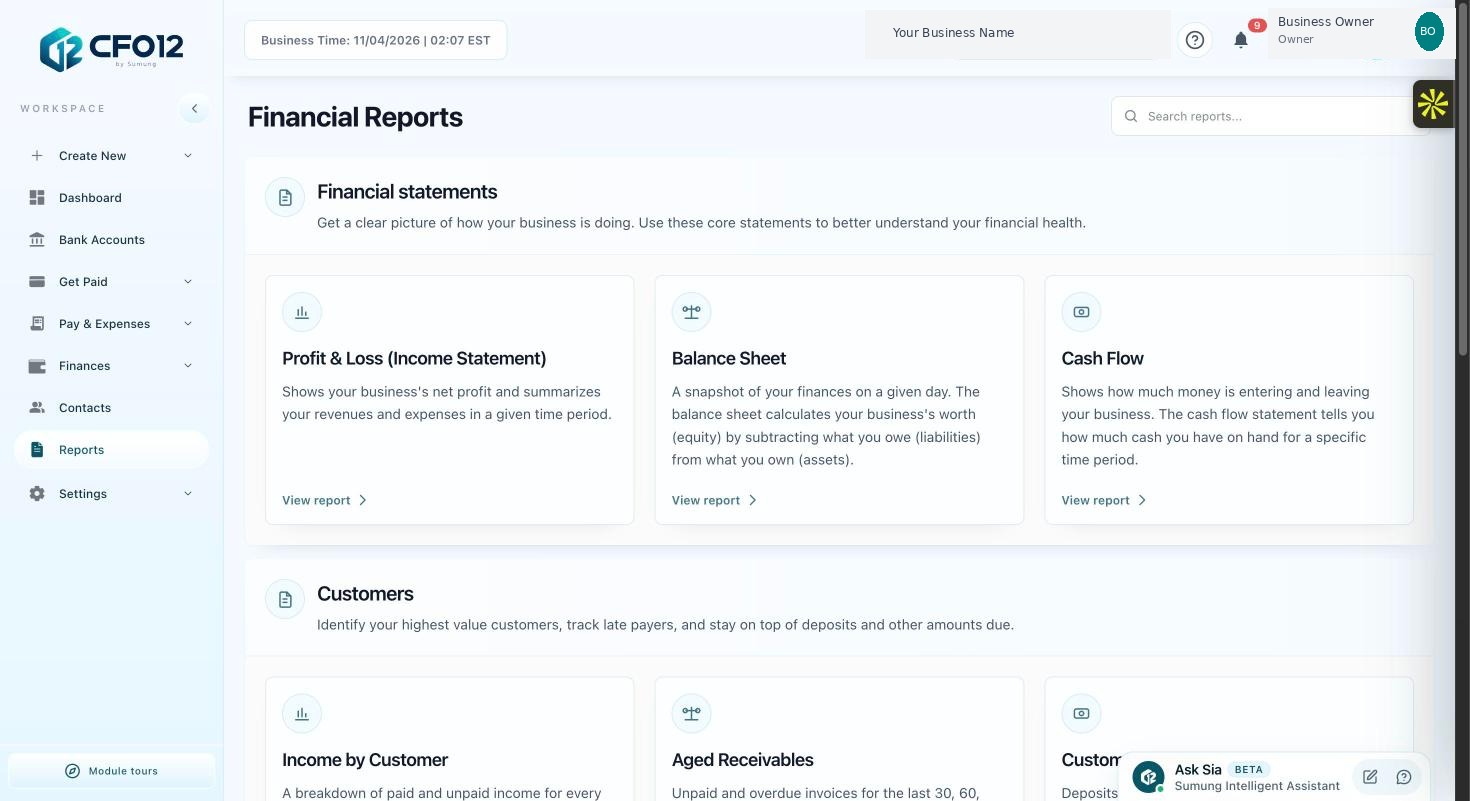
The Trial Balance shows the debit and credit balances for every account to verify that your books are in balance.
What You Can Do
- Go to Reports and click Trial Balance.
- Set the date range.
- The report lists every account with its debit and credit balance.
- Total debits must equal total credits — if they do not, there is an error in the books.
- Export for your accountant at period end.
💡 A balanced Trial Balance is a key sign that your double-entry bookkeeping is correct.
Related Articles
- What Does the Trial Balance Show?
- How to View the General Ledger Report
- Overview of Reports
Was this article helpful?
Your feedback helps us improve our documentation.