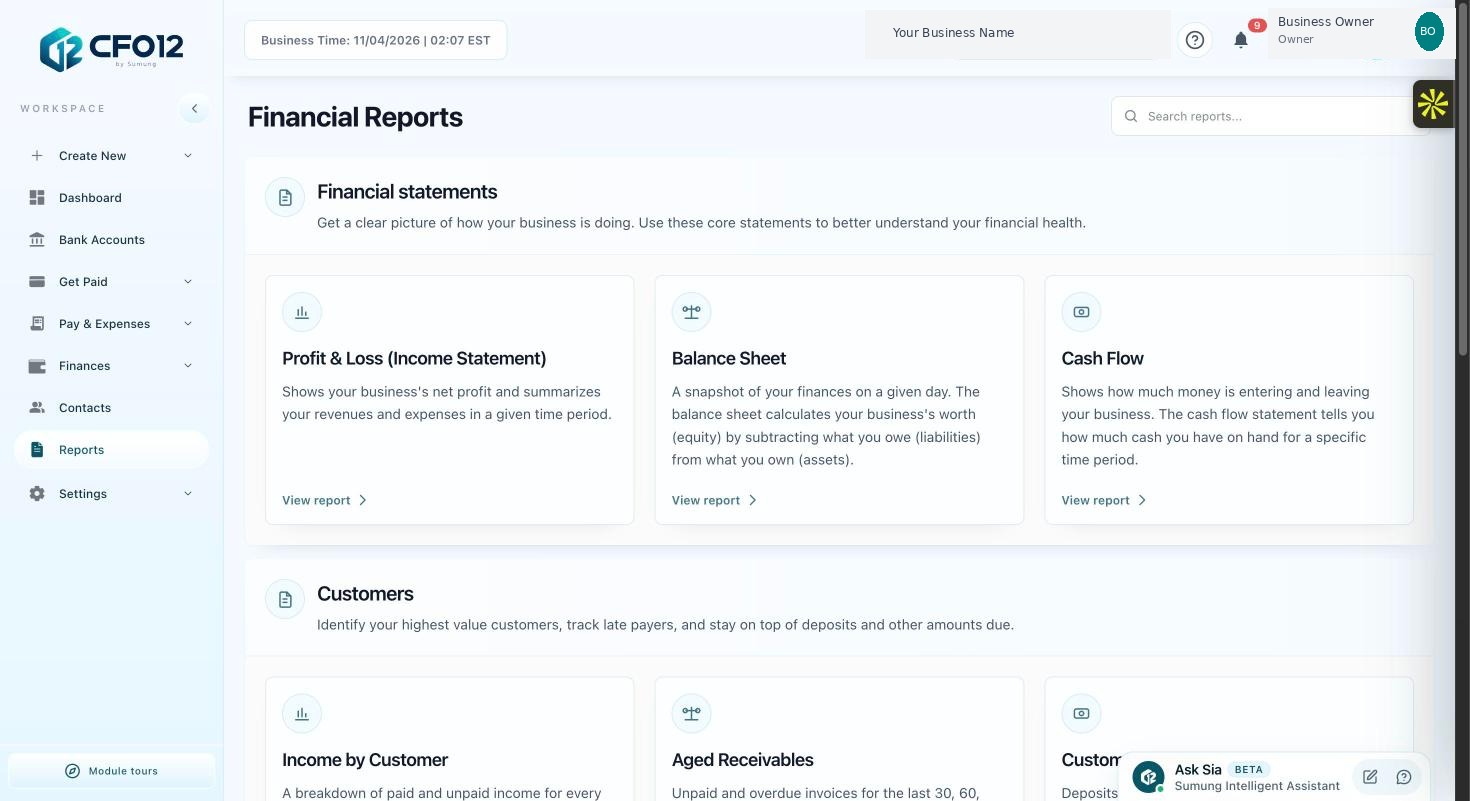
The Balance Sheet shows your business's financial position at a specific point in time.
What You Can Do
- Go to Reports and click Balance Sheet.
- Set the date for the balance sheet (typically month-end or year-end).
- The report shows Assets, Liabilities, and Equity as of that date.
- Assets = Liabilities + Equity (the accounting equation).
- Export for your accountant or financial review.
💡 The Balance Sheet is a snapshot. Run it at month-end or year-end for the most useful view.
Related Articles
- What Does the Balance Sheet Show?
- How to Run the Profit & Loss Report
- Overview of Reports
Was this article helpful?
Your feedback helps us improve our documentation.