The Aged Payables report helps you prioritise vendor bill payments to maintain good relationships.
What You Can Do
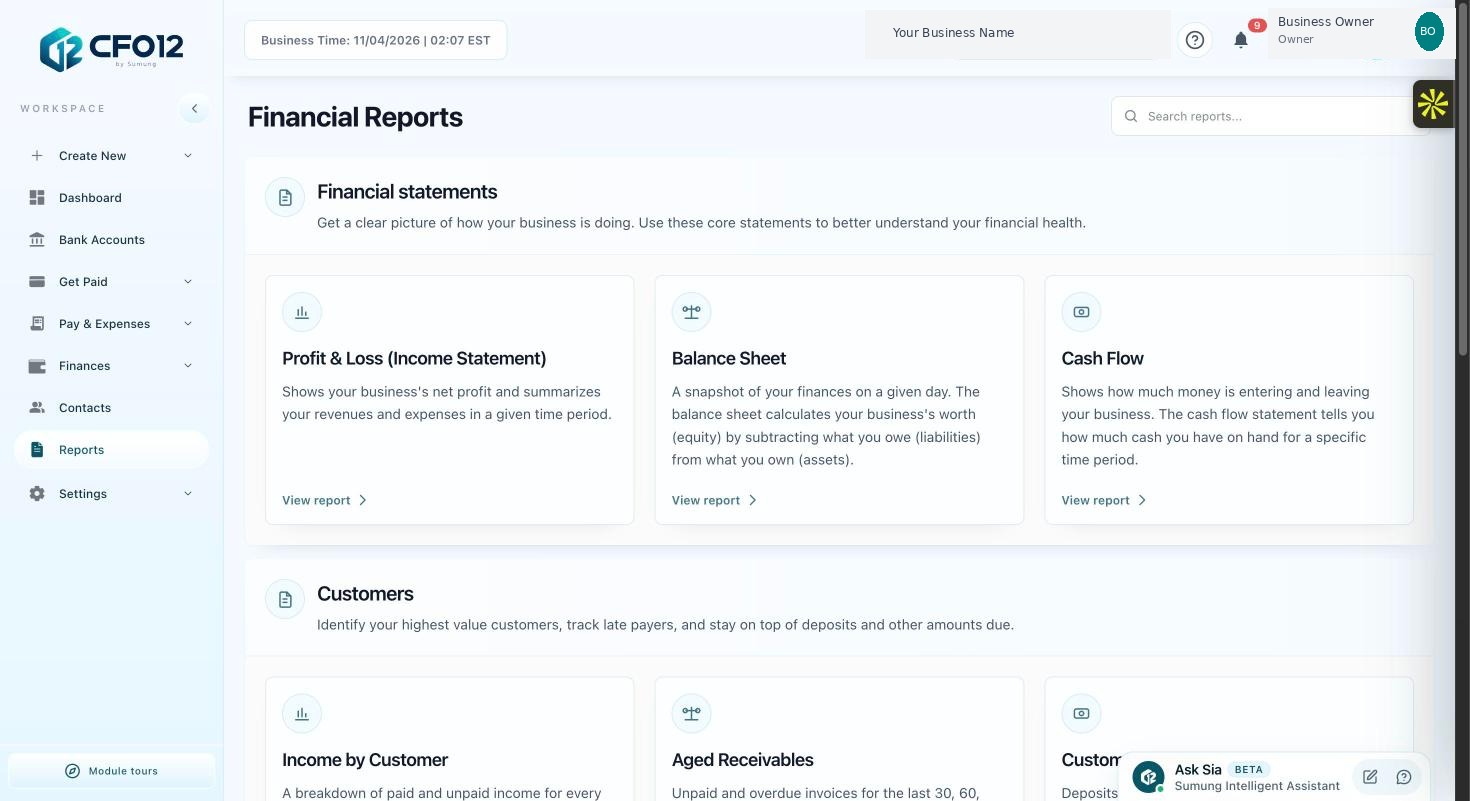
- Go to Reports > Aged Payables.
- Review invoices in the mid-range and older aging periods for approaching overdue bills.
- Prioritise payment of the oldest overdue bills.
- Pay bills from the Pay & Expenses > Bills section.
- Re-run Aged Payables after payments to verify the balances have cleared.
💡 Paying bills on time maintains good vendor relationships and may qualify you for early payment discounts.
Related Articles
- How to View the Aged Payables Report
- How to Pay a Bill
- Overview of Reports
Was this article helpful?
Your feedback helps us improve our documentation.