The Aged Payables report shows all outstanding vendor bills grouped by how overdue they are.
What You Can Do
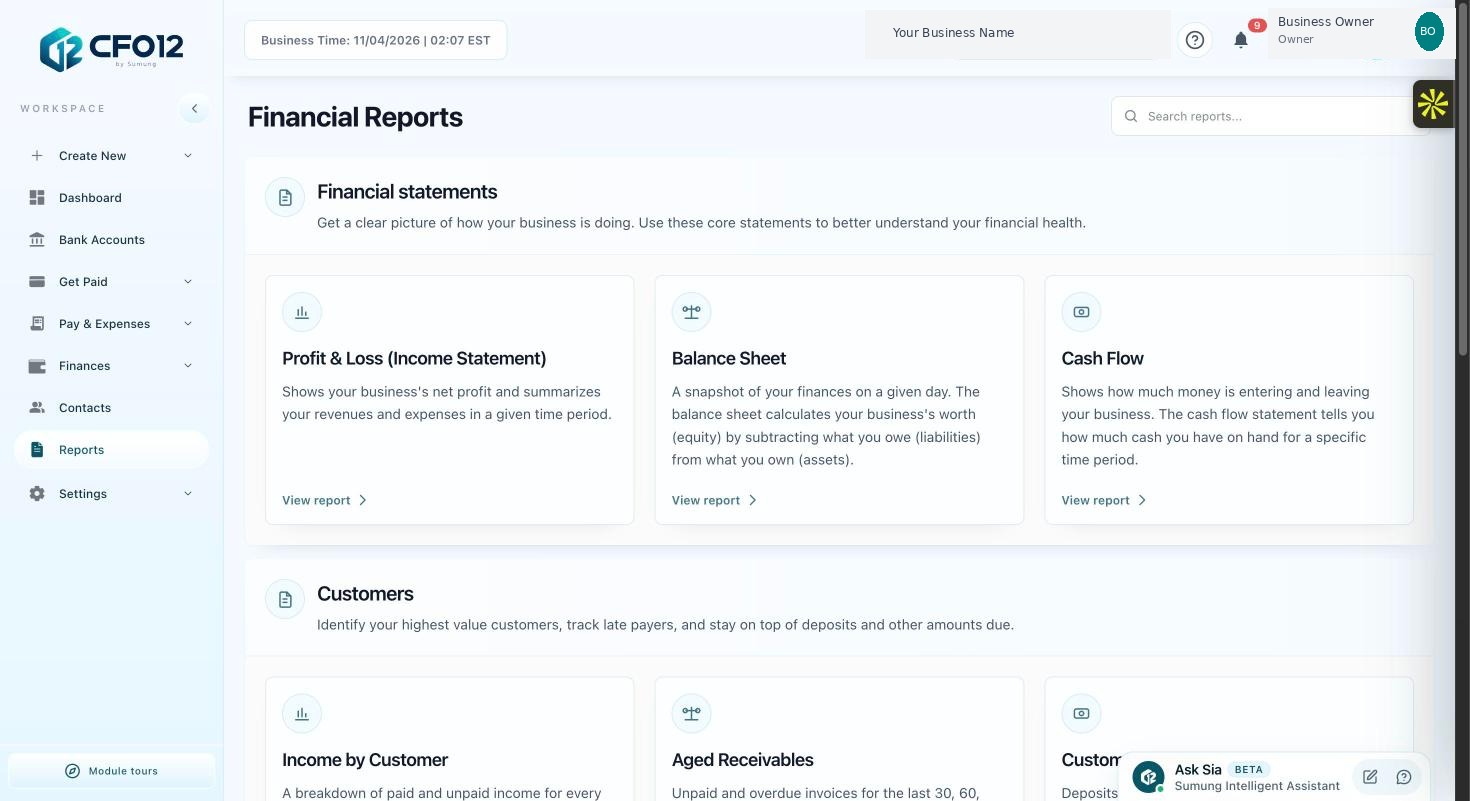
- Go to Reports and click Aged Payables.
- Set the report date.
- The report shows each vendor with their unpaid bill amounts aged by time aging time brackets days.
- Identify overdue payables at a glance.
- Use it to prioritise which bills to pay first.
💡 Keeping payables current maintains good vendor relationships and avoids late payment penalties.
Related Articles
- How to Pay a Bill
- How to View the Purchases by Vendor Report
- Overview of Reports
Was this article helpful?
Your feedback helps us improve our documentation.