Review the Trial Balance before closing the month to verify all accounts are correct.
What You Can Do
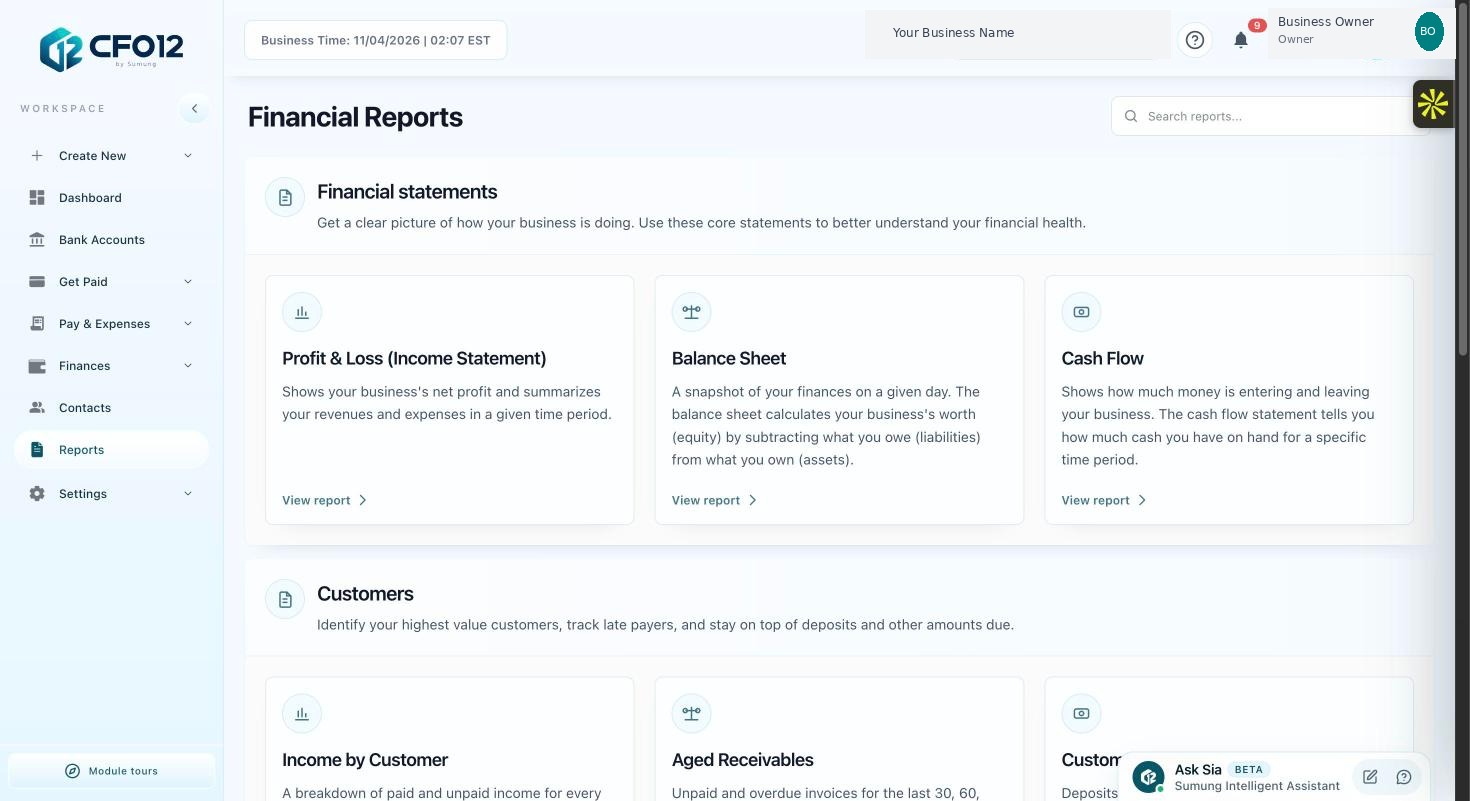
- Go to Reports and click Trial Balance.
- Set the date to the last day of the month.
- Review the balance of every account.
- Identify any accounts with unexpected balances.
- Investigate and correct before closing the period.
💡 Reviewing the Trial Balance before close catches errors before they appear in your financial statements.
Related Articles
Was this article helpful?
Your feedback helps us improve our documentation.