Keeping receipts categorised correctly in CFO12 makes identifying deductible expenses straightforward.
What You Can Do
- Upload receipts for all business expenses as they occur.
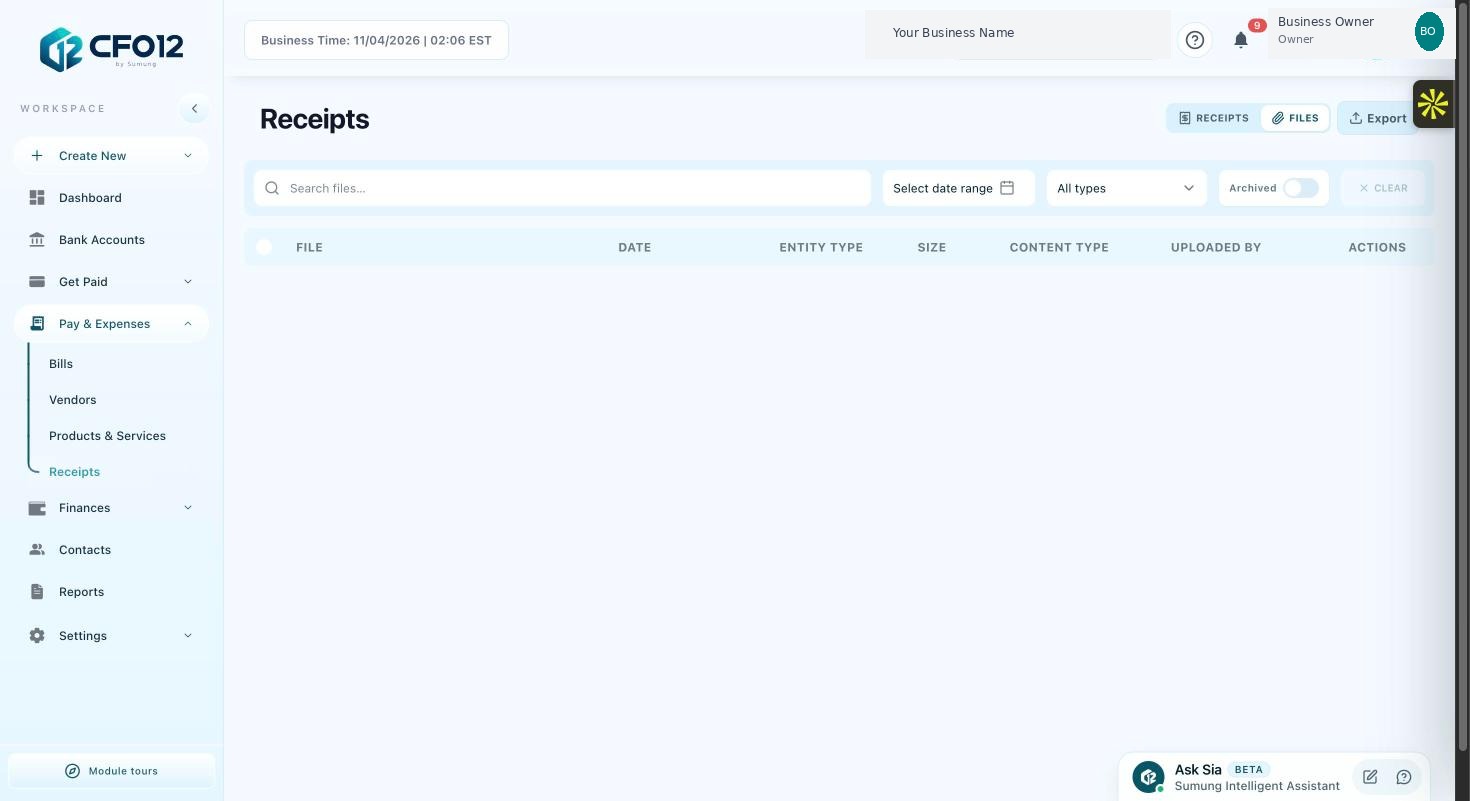
- Go to Pay & Expenses > Receipts to access your stored receipts.
- Click Export to download your receipts list for review with your accountant.
💡 Consult your accountant about which expenses are deductible in your jurisdiction.
Related Articles
- How to View All Receipts
- What Is the Profit & Loss Report?
- How to Use Receipts for Tax Purposes
Was this article helpful?
Your feedback helps us improve our documentation.