Keeping digital receipts in CFO12 creates an audit trail for all business expenses.
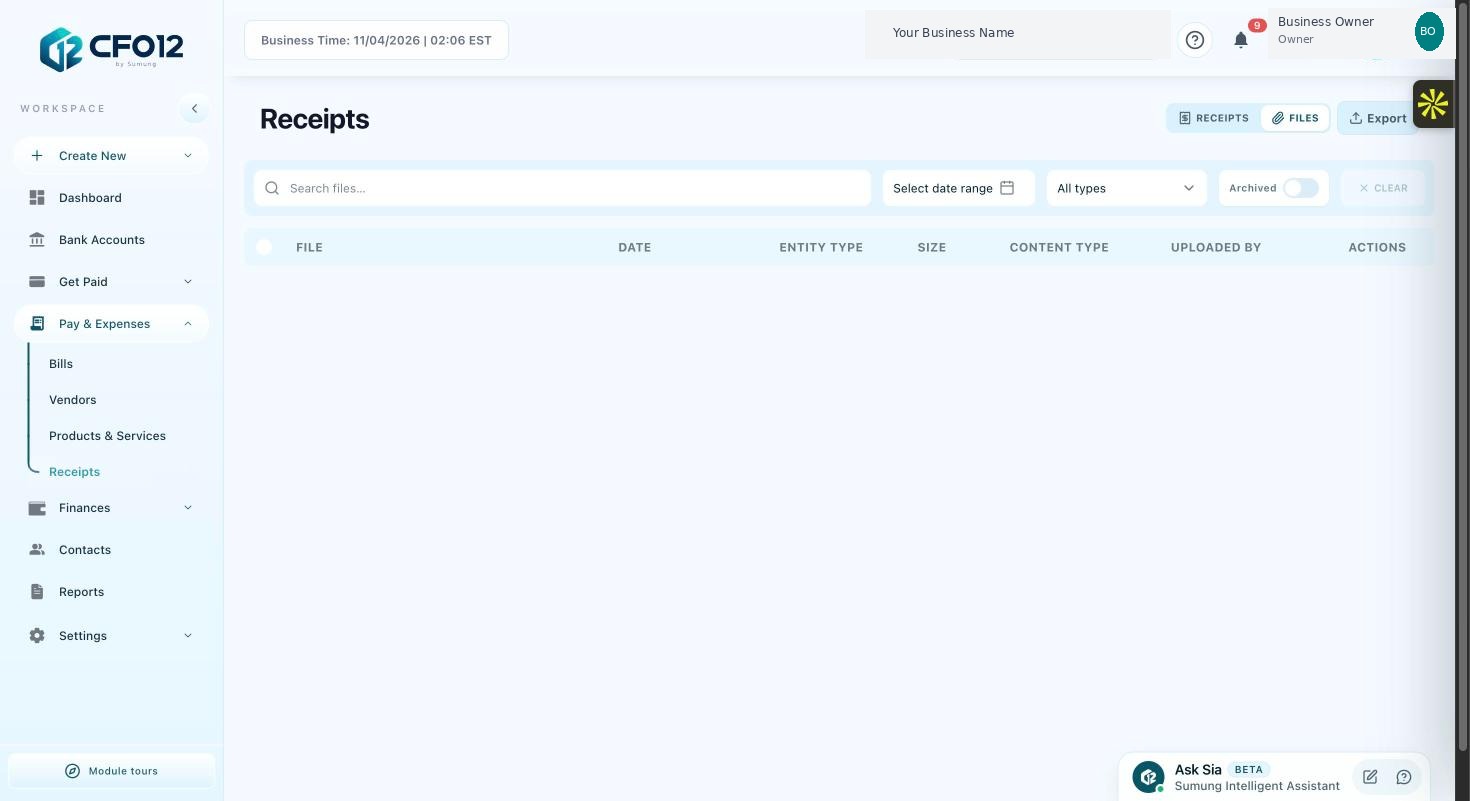
What You Can Do
- Upload all expense receipts to CFO12 as they occur.
- Go to Pay & Expenses > Receipts to access your stored receipts.
- Use Select date range to filter receipts for the tax year and click Export to download your records.
💡 Digital receipts stored in CFO12 are accessible anytime, making record-keeping easier.
Related Articles
- How to View All Receipts
- What Is the Profit & Loss Report?
- How to Filter Receipts by Date Range
Was this article helpful?
Your feedback helps us improve our documentation.