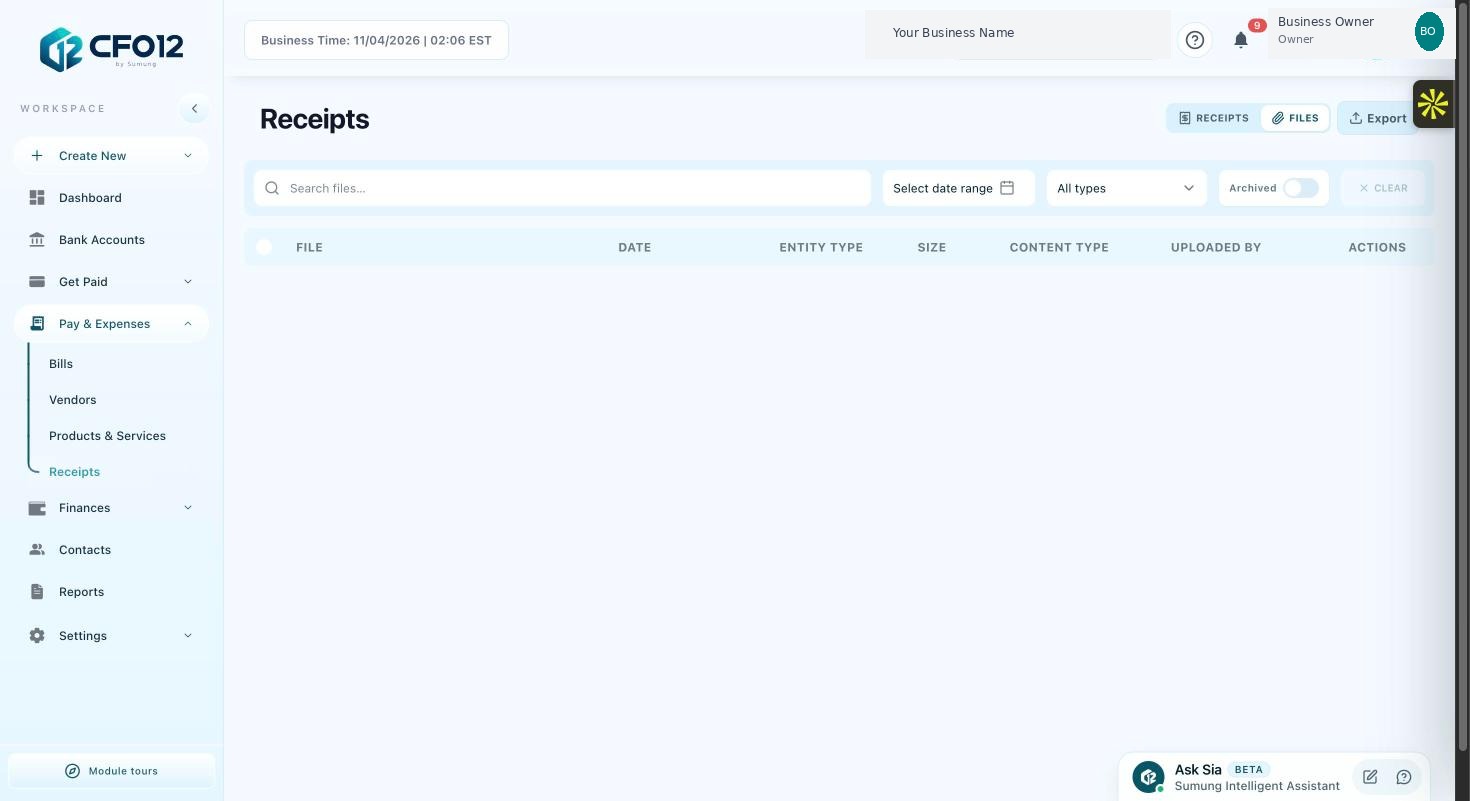
The Receipts section has two tabs — RECEIPTS for expense records and FILES for uploaded documents.
What You Can Do
- Go to Pay & Expenses > Receipts.
- The RECEIPTS tab shows expense records you have created with their amounts and dates.
- The FILES tab shows all files you have uploaded, regardless of whether they are uploaded to the receipts section.
- Switch between tabs by clicking RECEIPTS or FILES at the top of the page.
💡 Use the FILES tab to find any uploaded document quickly, even if it is not yet uploaded.
Related Articles
- What Is a Receipt in CFO12?
- How to Upload a Receipt File
- How to View All Receipt Files
Was this article helpful?
Your feedback helps us improve our documentation.