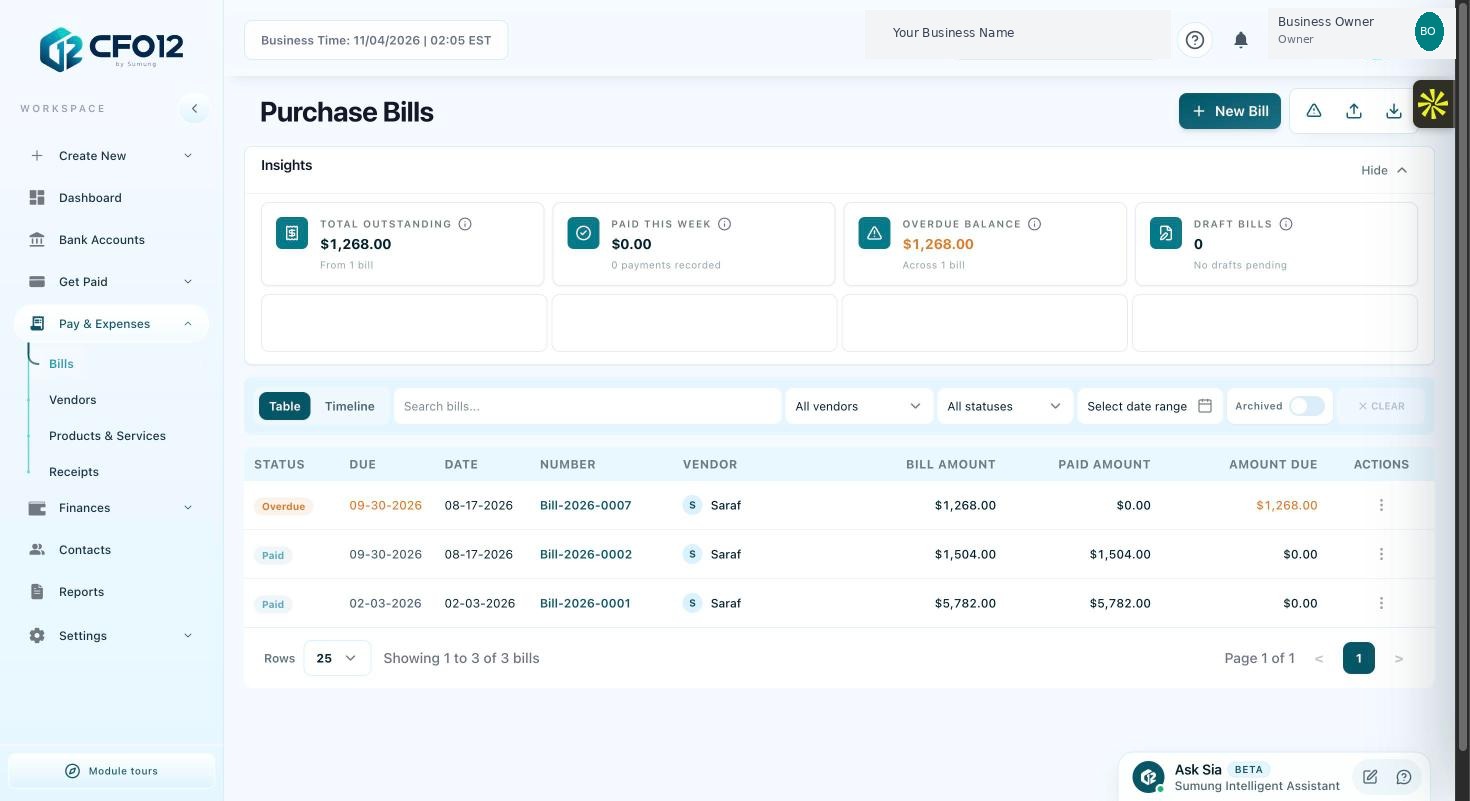
Understanding bill statuses helps you manage your payables workflow correctly.
What You Can Do
- A Draft bill has been created and saved but not yet approved. It does not affect your payables.
- An Approved bill is confirmed and recorded in your accounts. It appears in Aged Payables and financial reports.
- To move a bill from Draft to Approved, open it and click Approve.
- Only approved bills are included in vendor payment tracking and financial reports.
💡 Always approve bills before making a payment to ensure your records stay accurate.
Related Articles
Was this article helpful?
Your feedback helps us improve our documentation.