
How to Add Tax to a Bill Line Item

You can apply a tax rate to any bill line item using the tax rates set up in Settings. Open or create a bill. In the Line Items section, click the TAX field…

Last updated

Quick answer

To add tax to a bill line in CFO12, open or create the bill, click the TAX field on the line item and select a tax rate from the dropdown. The tax is calculated and added to the line total, and the Bill Summary shows the Tax Total separately from the Subtotal. Rates come from Settings → Tax.

You can apply a tax rate to any bill line item using the tax rates set up in Settings.
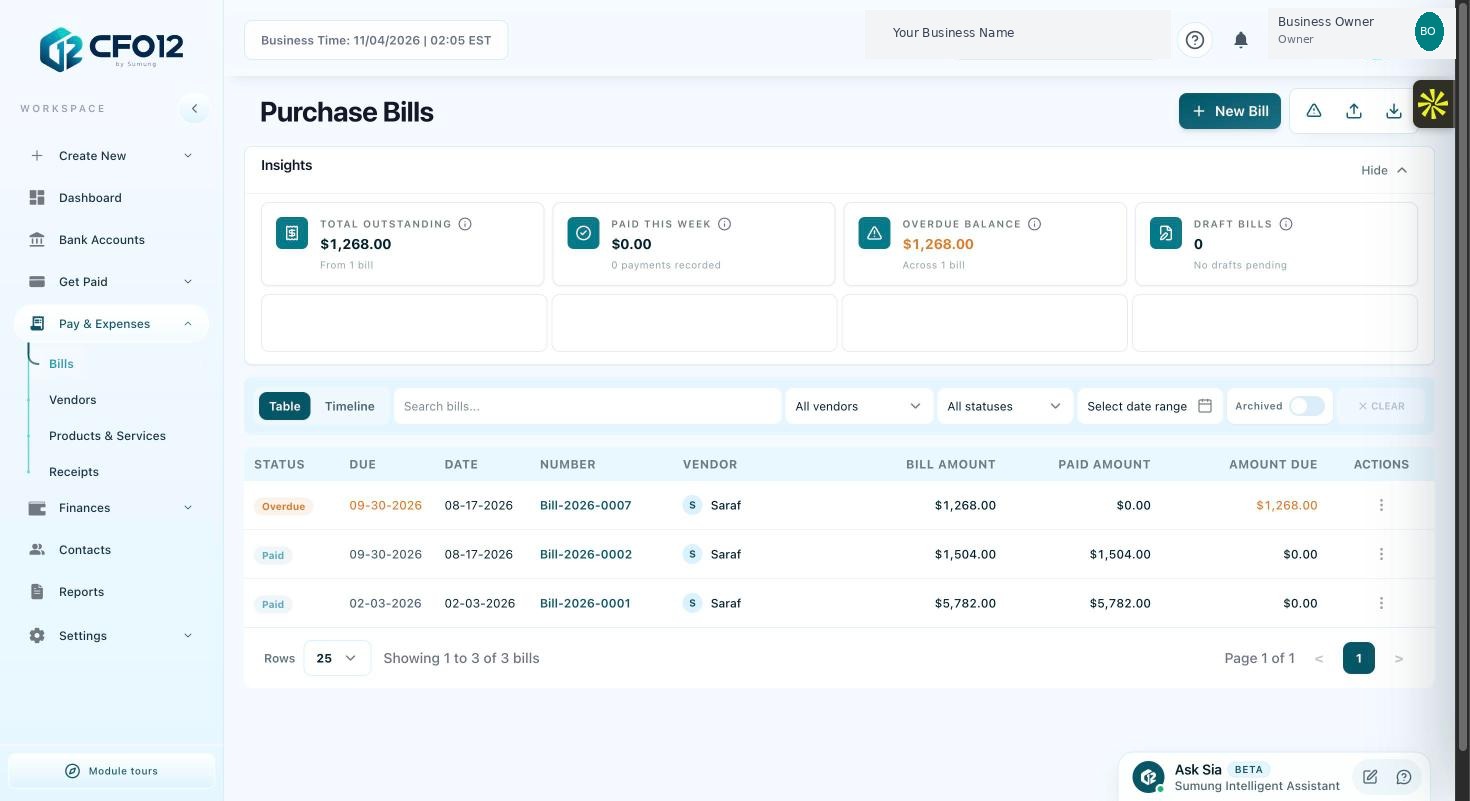
How to Add Tax to a Bill Line Item screenshot

What You Can Do

  1. Open or create a bill.
  2. In the Line Items section, click the TAX field for the line item.
  3. Select a tax rate from the dropdown.
  4. The tax amount is calculated and added to the line item total.
  5. The Bill Summary shows the Tax Total separately from the Subtotal.

💡 Set up tax rates under Settings > Tax before they appear in the bill tax dropdown.

Related Articles

Was this article helpful?

Your feedback helps us improve our documentation.

Frequently asked questions

Why is the tax dropdown on my bill empty?

Tax rates must be set up under Settings → Tax before they appear in the bill tax dropdown.

Can I see the before-tax and after-tax amounts of a bill?

Yes. The Bill Summary panel shows the Subtotal, the Tax Total and the Total separately.

How do I mark a saved product as taxable?

When creating the item under Products & Services, toggle Taxable on to include it in tax calculations.

Complete guideBills and expenses in CFO12: complete guide