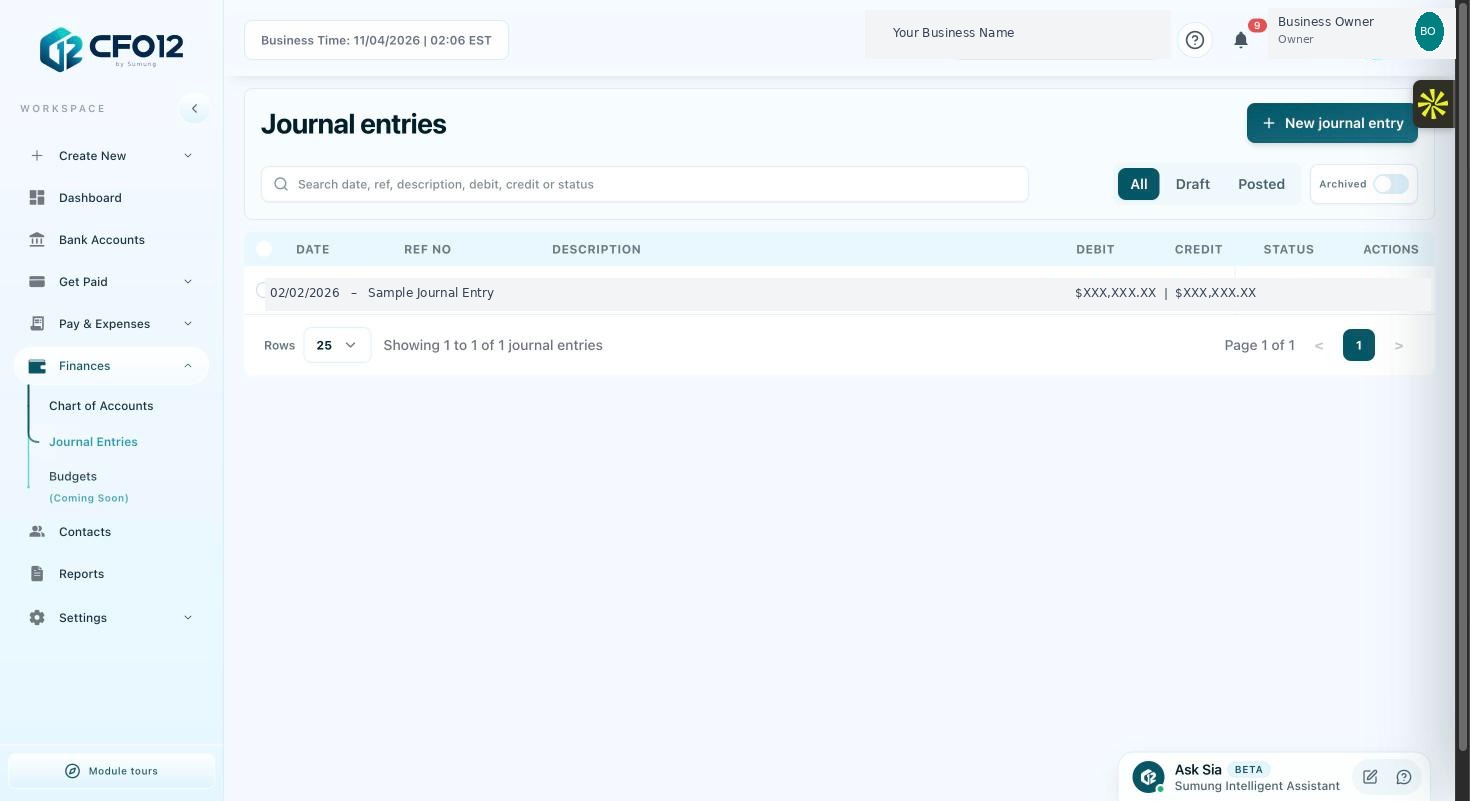
Journal entry amounts are shown in the debit and credit amounts of the journal entries list.
What You Can Do
- Go to Finances > Journal Entries.
- The list shows the total debit amount for each entry.
- The list shows the total credit amount for each entry.
- For a valid entry, the debit and credit totals are equal.
- Open an entry to see the breakdown by individual line item.
💡 Use the General Ledger report to see journal entry amounts within the context of each account's full history.
Related Articles
- How to View All Journal Entries
- How to View the General Ledger Report
- How to Add Line Items to a Journal Entry
Was this article helpful?
Your feedback helps us improve our documentation.