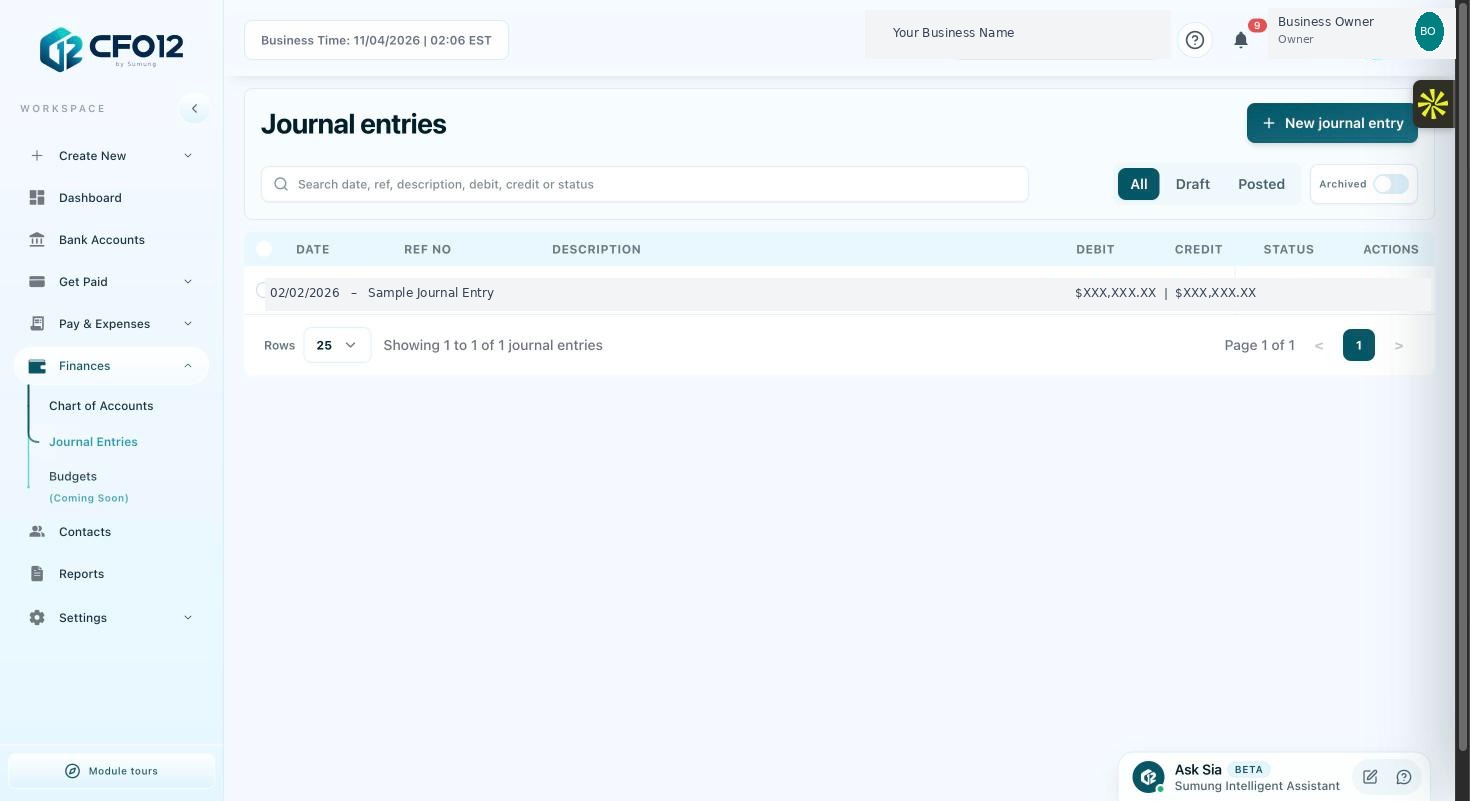
Filter journal entries by date to find entries from a specific period.
What You Can Do
- Go to Finances > Journal Entries.
- Use available date filter options to narrow the list.
- Review entries within the selected date range.
- Remove any filters to return to the full list of entries.
💡 Filtering by date is useful for month-end reviews and audit preparation.
Related Articles
- How to View All Journal Entries
- How to Post a Journal Entry
- Overview of Journal Entries
Was this article helpful?
Your feedback helps us improve our documentation.