
How to Use Journal Entries for Opening Balances

Journal entries can record opening balances when you start using CFO12 with existing account balances. Determine the opening balance for each account as of…

Last updated

Quick answer

To record opening balances with a journal entry in CFO12, work out each account's balance at your start date, create a journal entry dated that start date, debit asset and expense accounts, credit liability, equity and income accounts, then post it. Financial Settings → Opening Balance is the recommended alternative for setting these up.

Journal entries can record opening balances when you start using CFO12 with existing account balances.
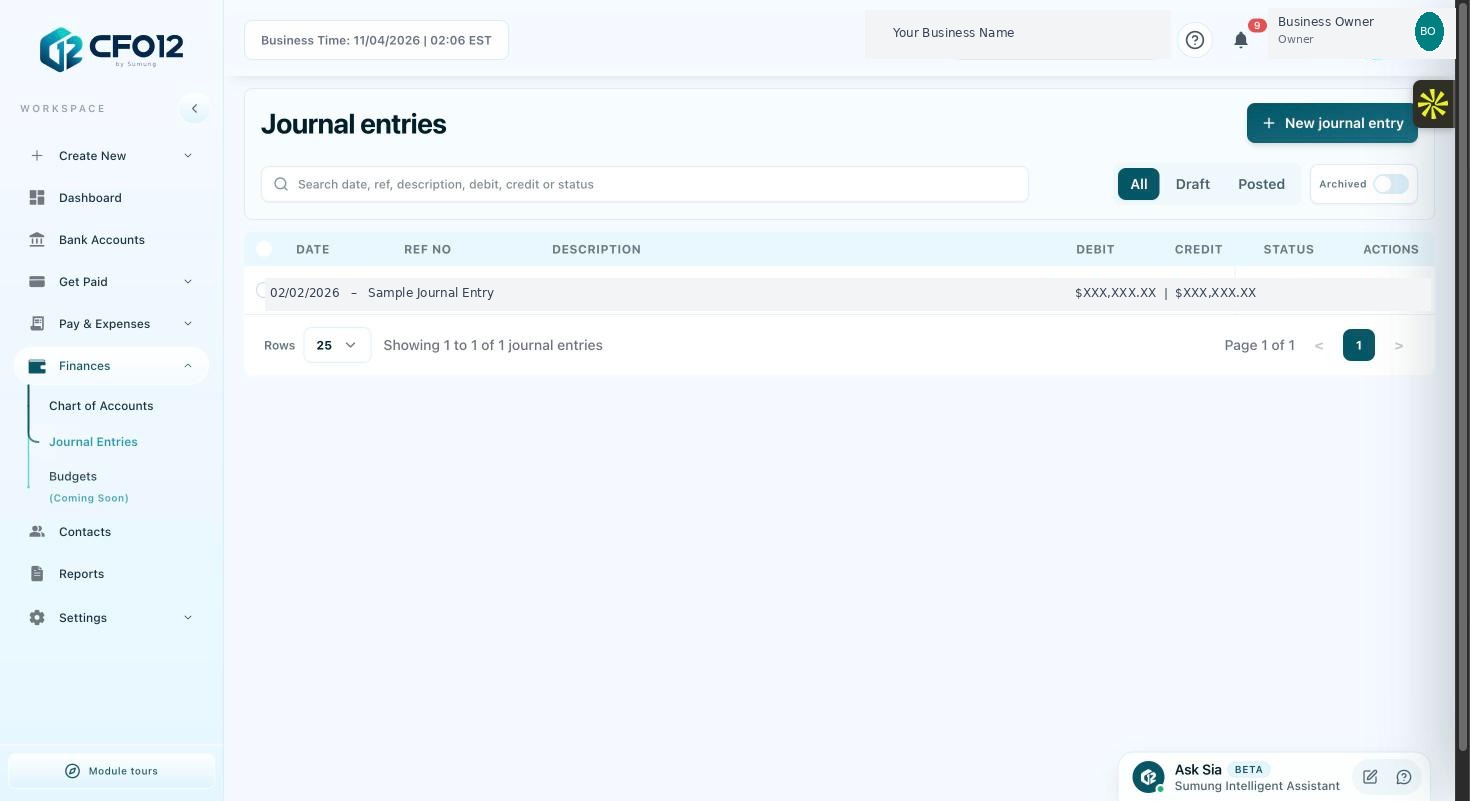
How to Use Journal Entries for Opening Balances screenshot

What You Can Do

  1. Determine the opening balance for each account as of your start date.
  2. Create a journal entry with the start date.
  3. Enter debits for asset and expense accounts and credits for liability, equity, and income accounts.
  4. Post the entry.
  5. Alternatively, use the Opening Balance feature in Financial Settings.

💡 Using Financial Settings > Opening Balance is the recommended way to set up opening balances in CFO12.

Related Articles

Was this article helpful?

Your feedback helps us improve our documentation.

Frequently asked questions

What is the recommended way to enter opening balances?

The Opening Balance feature under Financial Settings is the recommended way to set up opening balances; a journal entry is the alternative.

What date should an opening balance entry use?

Use your start date, the same date your opening balances were calculated as of.

Will an opening balance entry show in my reports?

Once posted it is part of your books, so it appears in the General Ledger for each account involved and in reports such as the Balance Sheet.

Complete guideJournal entries and the general ledger: CFO12 guide