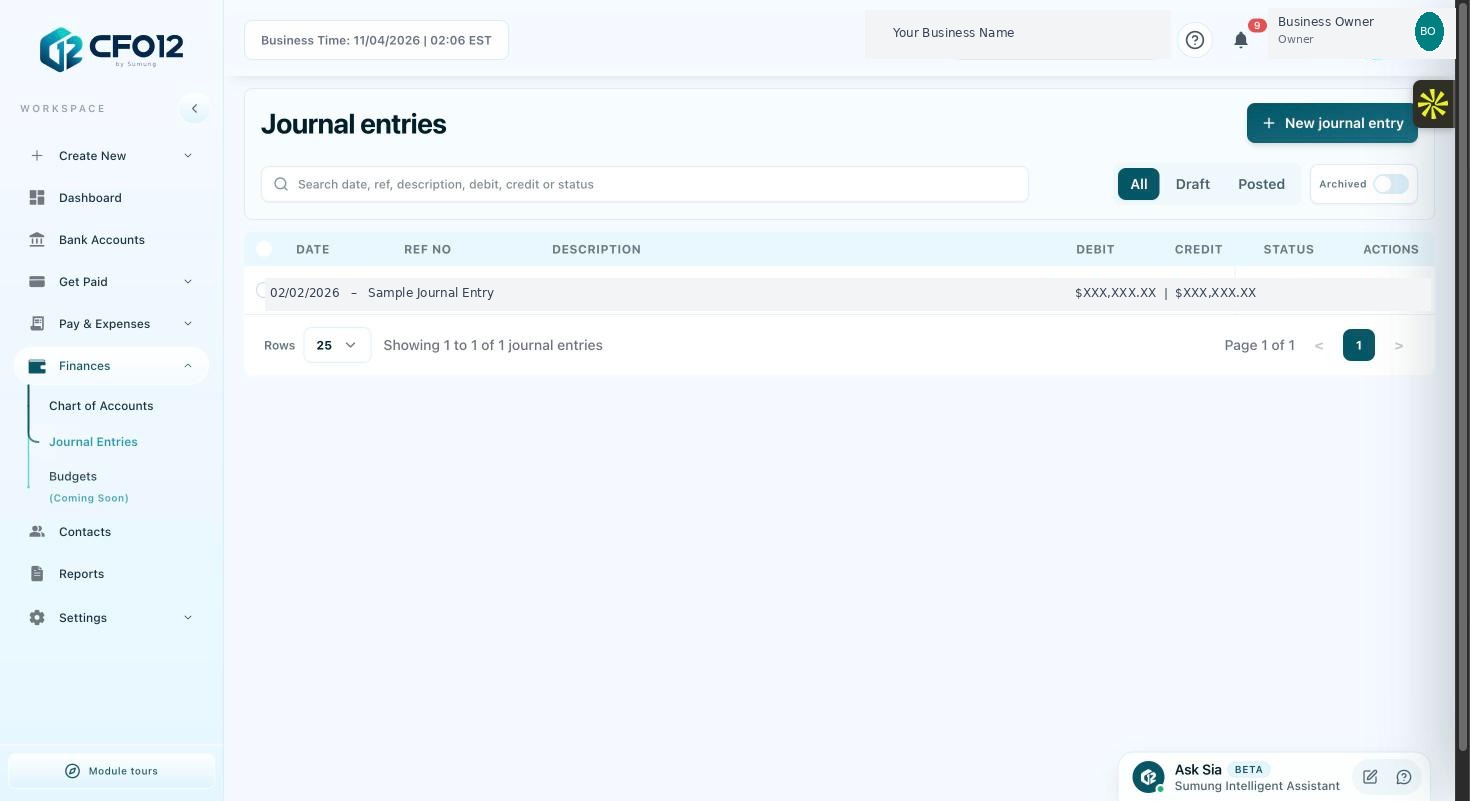
The entry date determines which accounting period the journal entry is recorded in.
What You Can Do
- Open or create a journal entry.
- Click the date field.
- Select the date using the date picker.
- Use the date that accurately reflects when the transaction occurred.
- Save the entry.
💡 Using the correct date is important for period-based financial reports like monthly Profit & Loss.
Related Articles
- How to Create a New Journal Entry
- How to Post a Journal Entry
- Overview of Journal Entries
Was this article helpful?
Your feedback helps us improve our documentation.