When your business receives a loan, record it as a journal entry to correctly increase your bank balance and your loan liability.
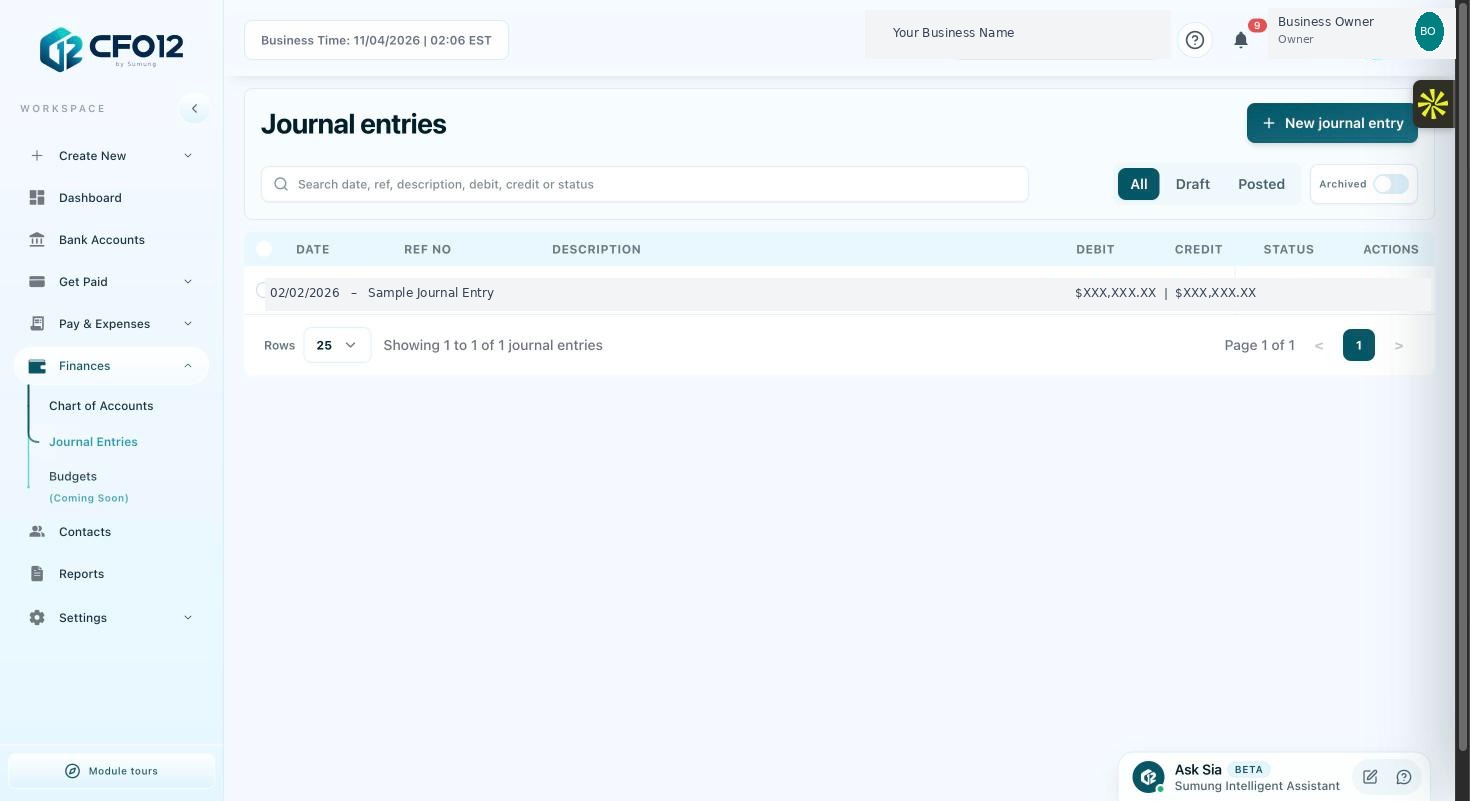
What You Can Do
- Create a new journal entry with the date the loan was received.
- Add a line item: Debit your bank account for the loan amount.
- Add a second line item: Credit the Shareholder Loan or a loan liability account for the same amount.
- Add a Memo/Notes entry: e.g. 'Loan received from owner — [date]'.
- Add a Reference number for easy identification.
- Post the entry. Your bank balance and loan liability both increase.
💡 CFO12 includes a Shareholder Loan account under Liabilities in the Chart of Accounts for owner-funded loans.
Related Articles
- What Is the Shareholder Loan Account?
- How to Record Loan Payments Using Journal Entries
- How to Post a Journal Entry
Was this article helpful?
Your feedback helps us improve our documentation.