Use the Ref No to quickly identify and locate a specific journal entry.
What You Can Do
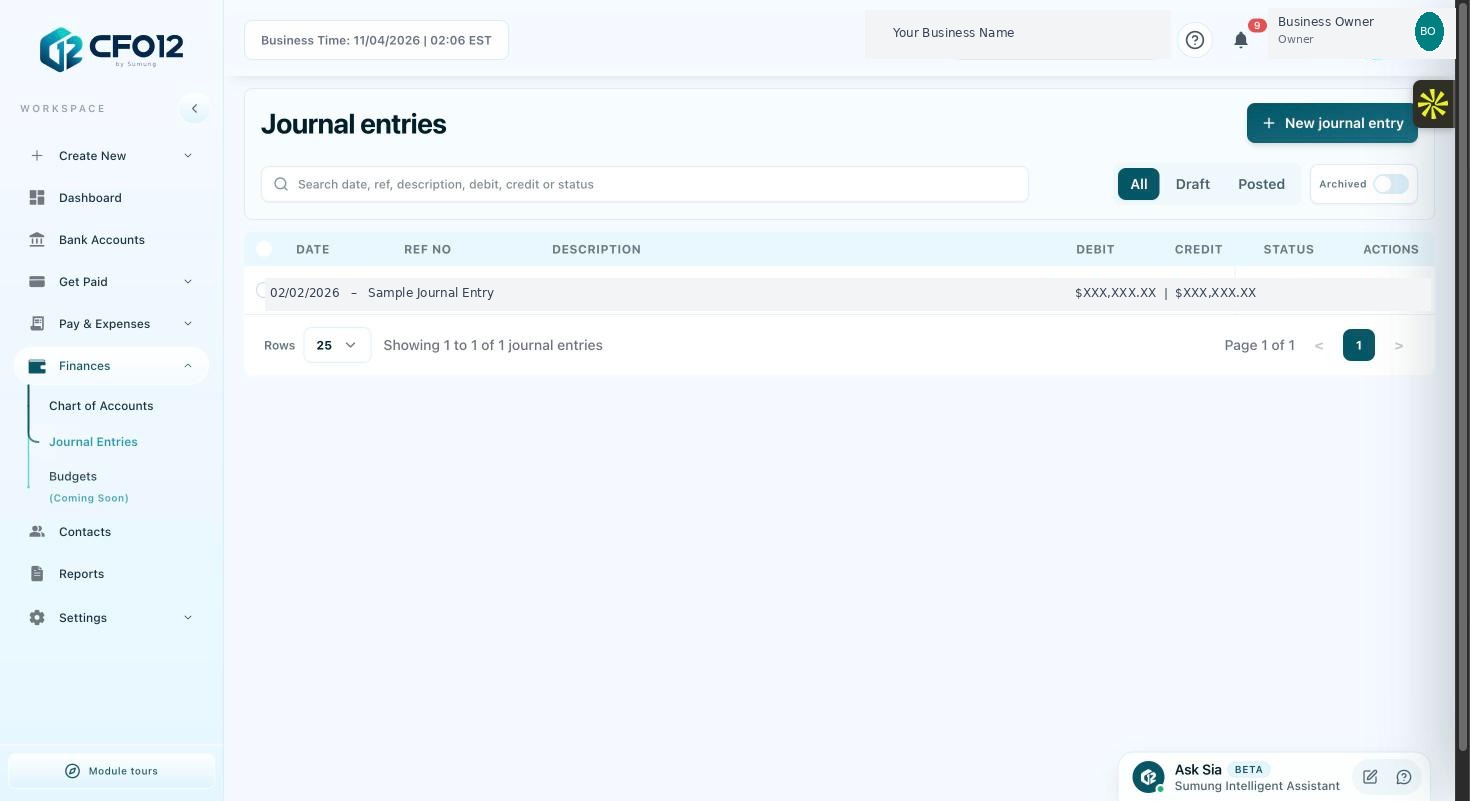
- Go to Finances > Journal Entries.
- Look for the Ref No in the list.
- Browse the list to narrow down.
- Click the entry with the matching Ref No to open it.
💡 A consistent Ref No system (e.g., JE-2026-001) makes finding entries much faster.
Related Articles
- How to Add a Reference Number
- How to View All Journal Entries
- Overview of Journal Entries
Was this article helpful?
Your feedback helps us improve our documentation.