How to Correct a Posted Journal Entry

Once a journal entry is posted it cannot be edited directly. Review the entry details to identify the error. Create a new journal entry to record the…

Last updated

Quick answer

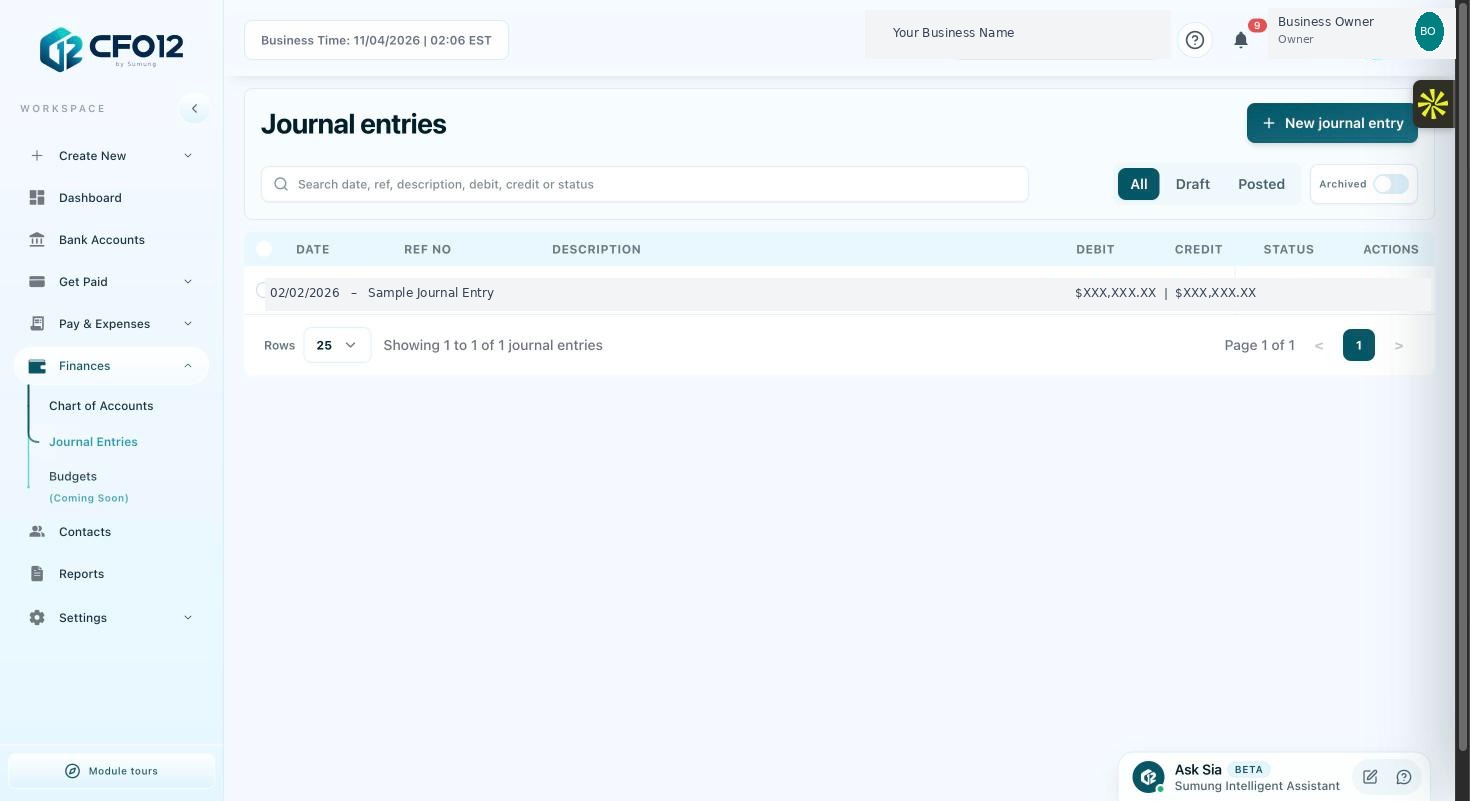
A posted journal entry in CFO12 cannot be edited directly. Go to Finances → Journal Entries, open the Posted tab, locate the entry and review its details to identify the error. Then create a new journal entry that records the correction and post it. Contact your accountant or accounting manager if you are unsure how.

How to Correct a Posted Journal Entry screenshot

What You Can Do

Once a journal entry is posted it cannot be edited directly.

Open the Posted tab under Finances > Journal Entries to locate the entry.

  1. Review the entry details to identify the error.
  2. Create a new journal entry to record the correction, then post it.
  3. Contact your accountant or accounting manager if you are unsure how to handle the correction.
  4. 💡 Posted entries are part of your official books. Coordinate with your accountant before making corrections.

Related Articles

Was this article helpful?

Your feedback helps us improve our documentation.

Frequently asked questions

Can I just delete the posted entry and start again?

No. Only draft entries can be deleted; posted entries are part of your official books and must be corrected with a new entry.

How do I spot errors before an entry gets posted?

Check that debits equal credits, the correct account is on each line, the date falls in the right period, and the Memo/Notes and Reference are accurate.

What if the same wrong account was used on many lines?

Transaction Recode under Finances lets you find journal entry, bank, invoice and bill lines and update the account, contact or tax on many lines at once.

Complete guideJournal entries and the general ledger: CFO12 guide