Adding a clear memo or notes to a journal entry explains its purpose for future reference.
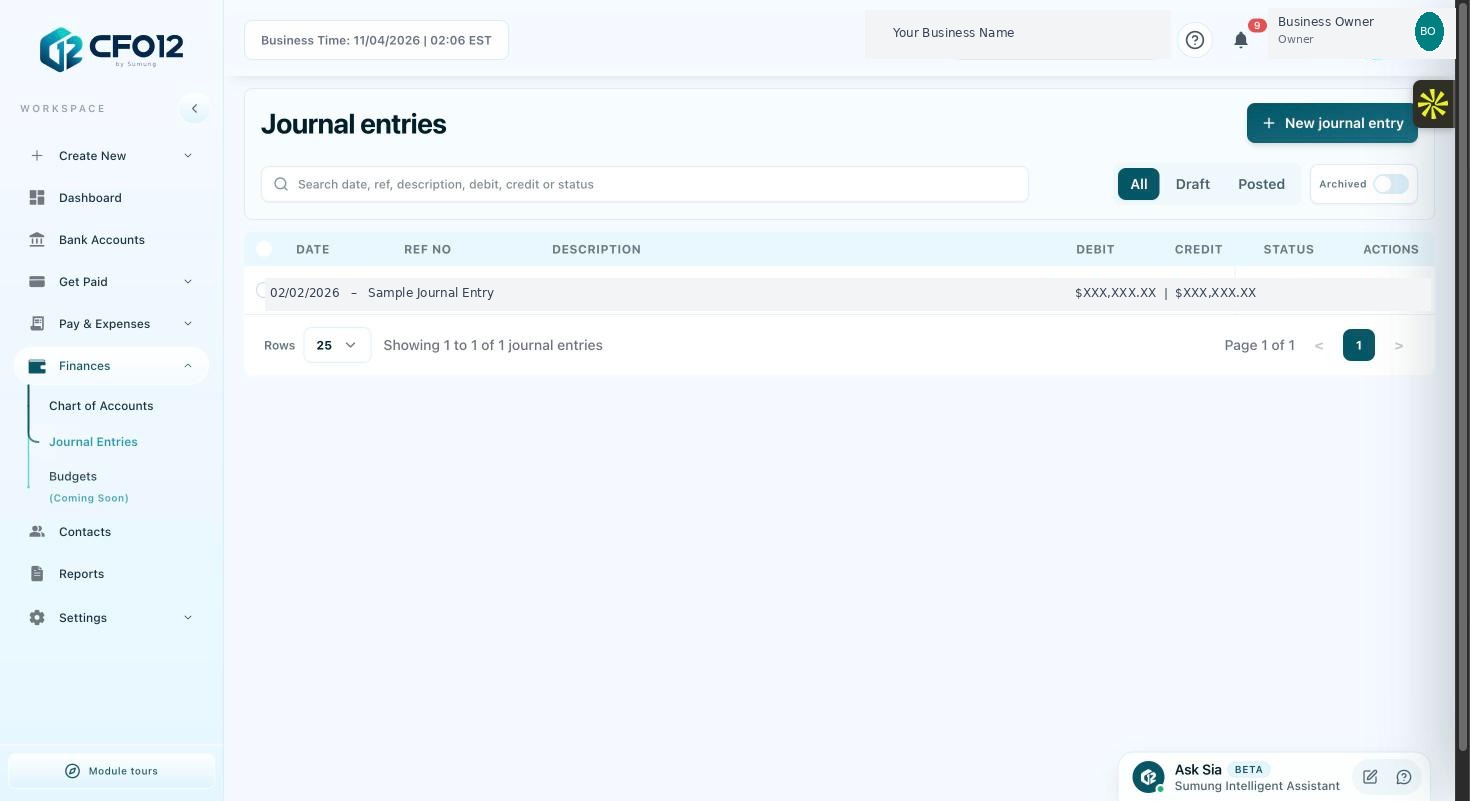
What You Can Do
- Open or create a journal entry.
- Find the Memo/Notes field.
- Enter a brief explanation of the entry's purpose (e.g., 'Monthly depreciation for vehicles').
- Save the entry.
- The memo is saved with the entry for future reference.
💡 A good description makes it easy to understand a journal entry months or years later.
Related Articles
- How to Create a New Journal Entry
- How to Add a Reference Number
- How to Post a Journal Entry
Was this article helpful?
Your feedback helps us improve our documentation.